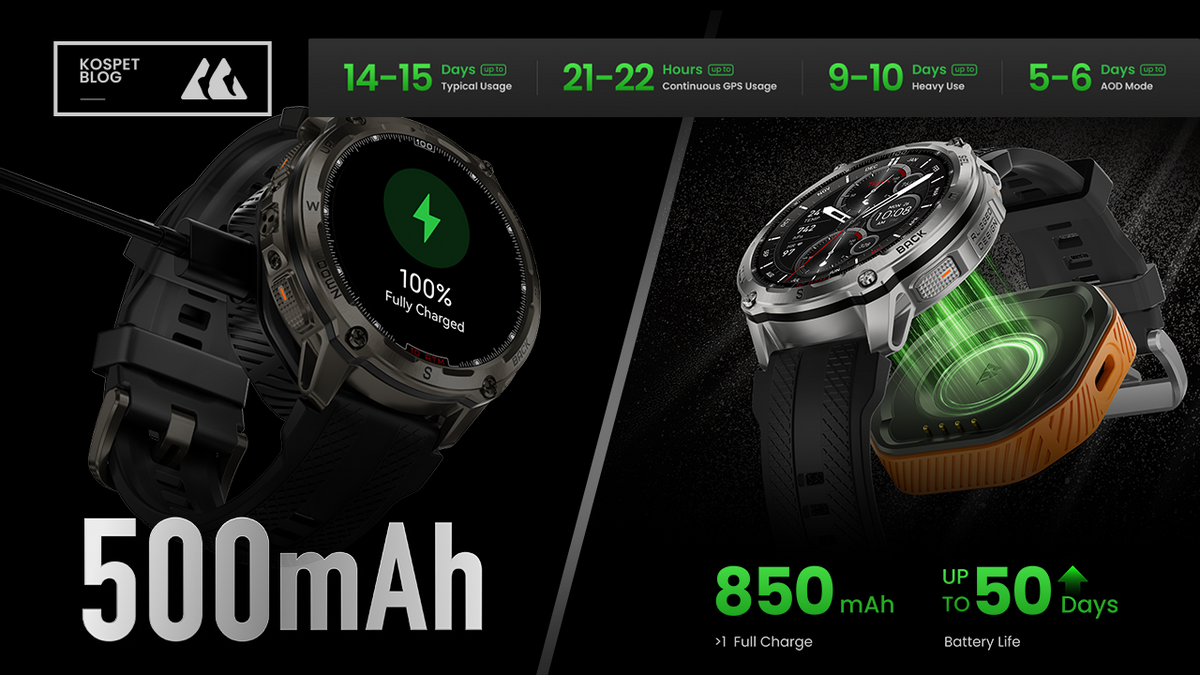

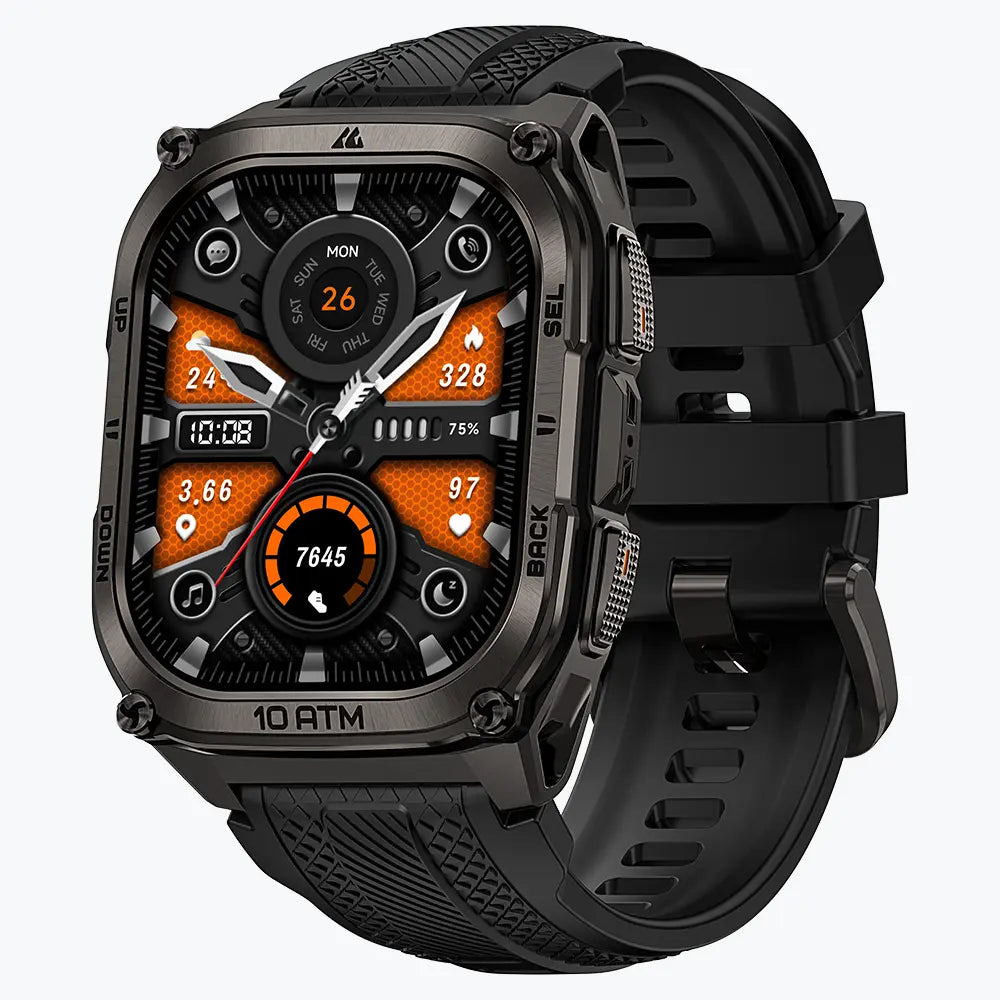
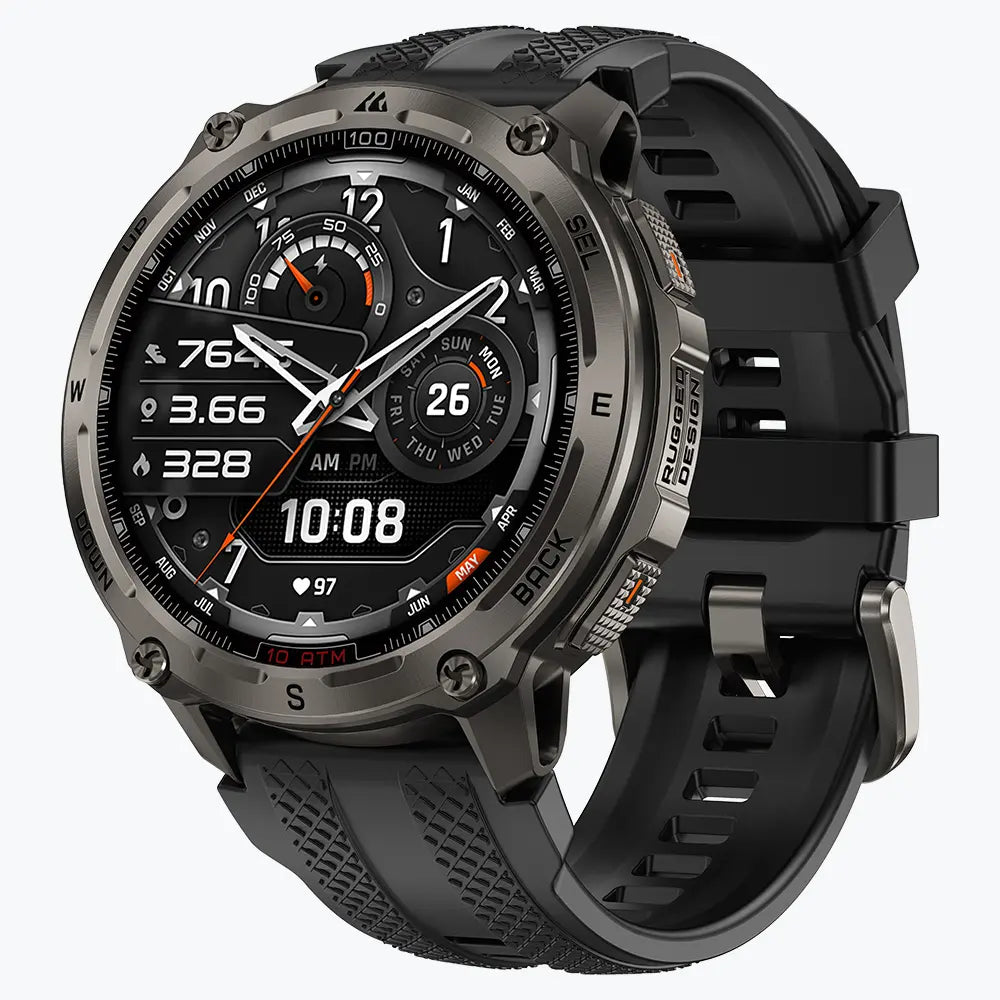
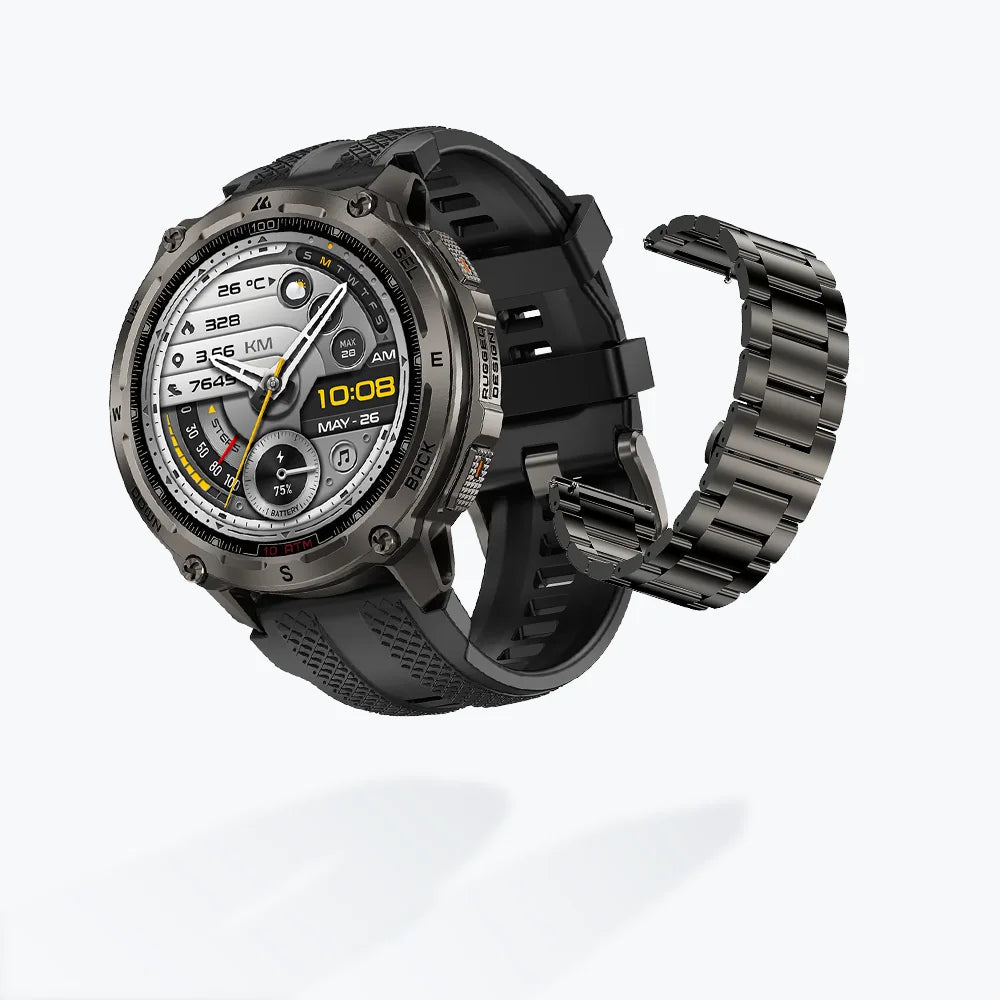
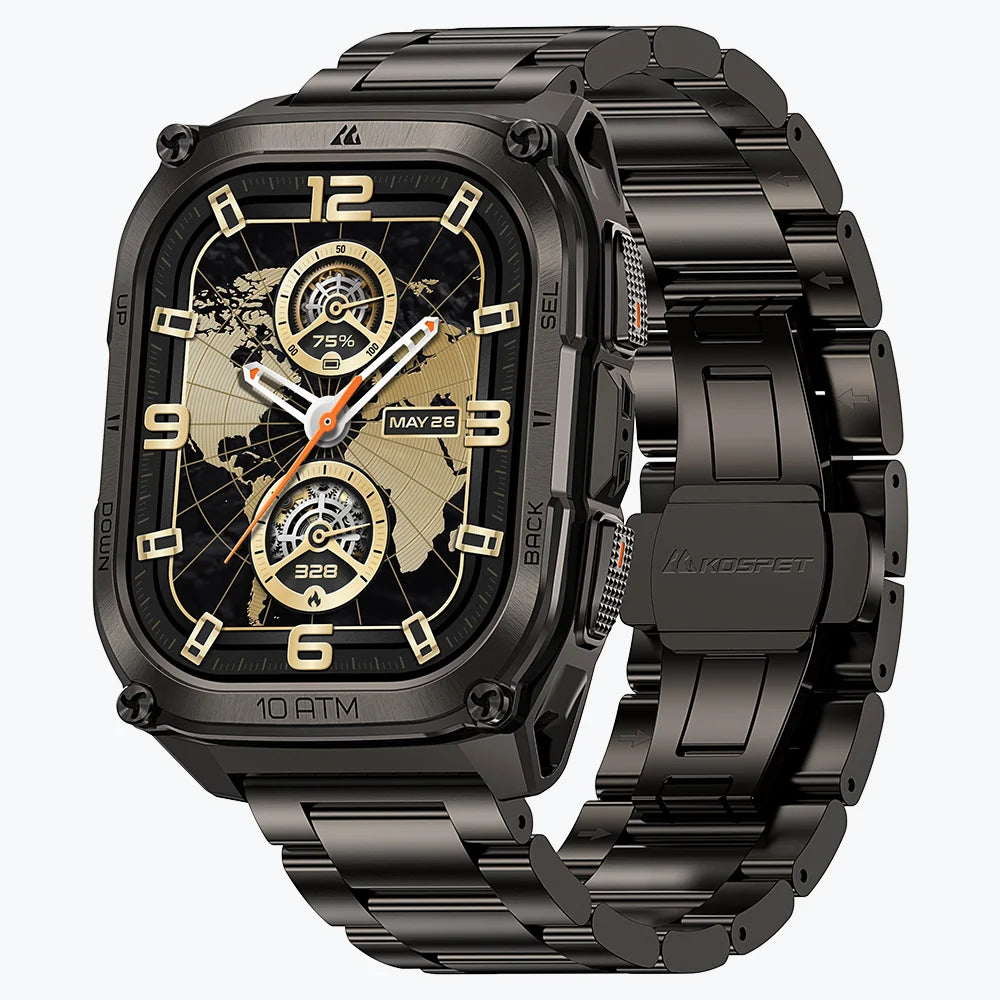
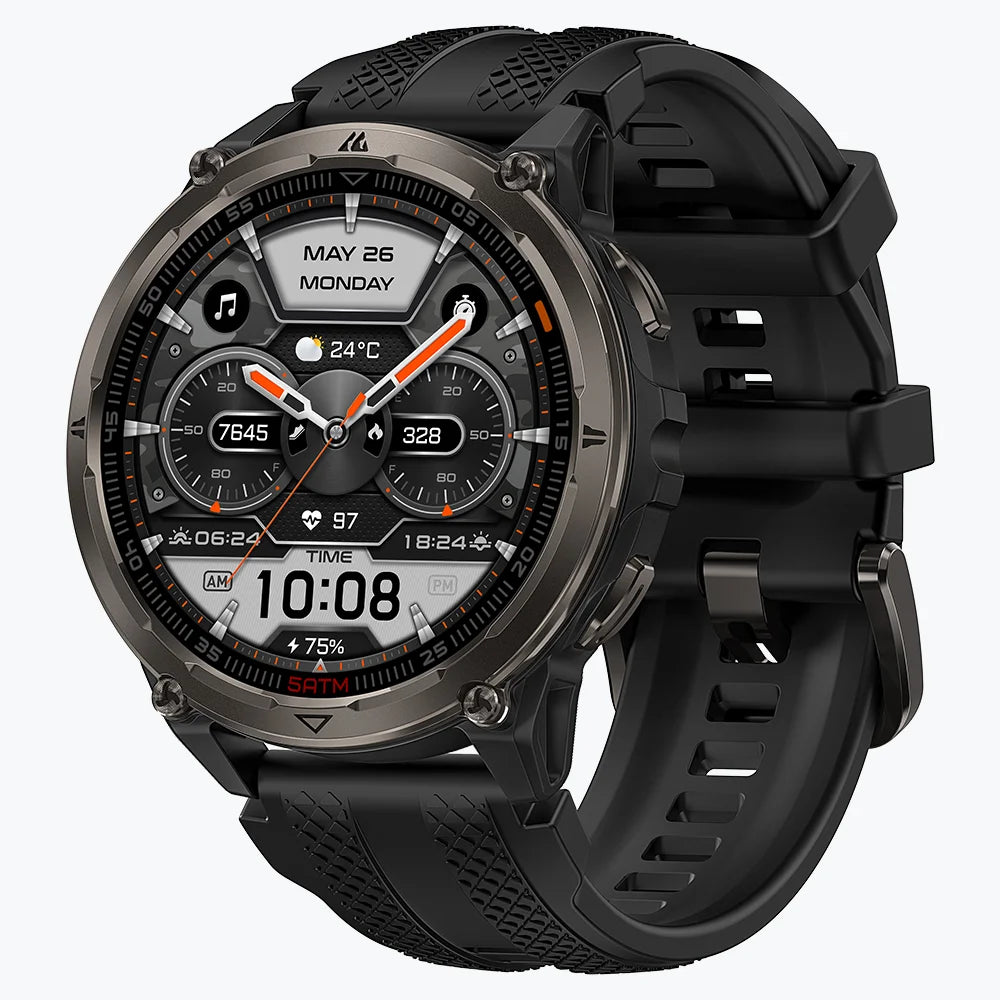

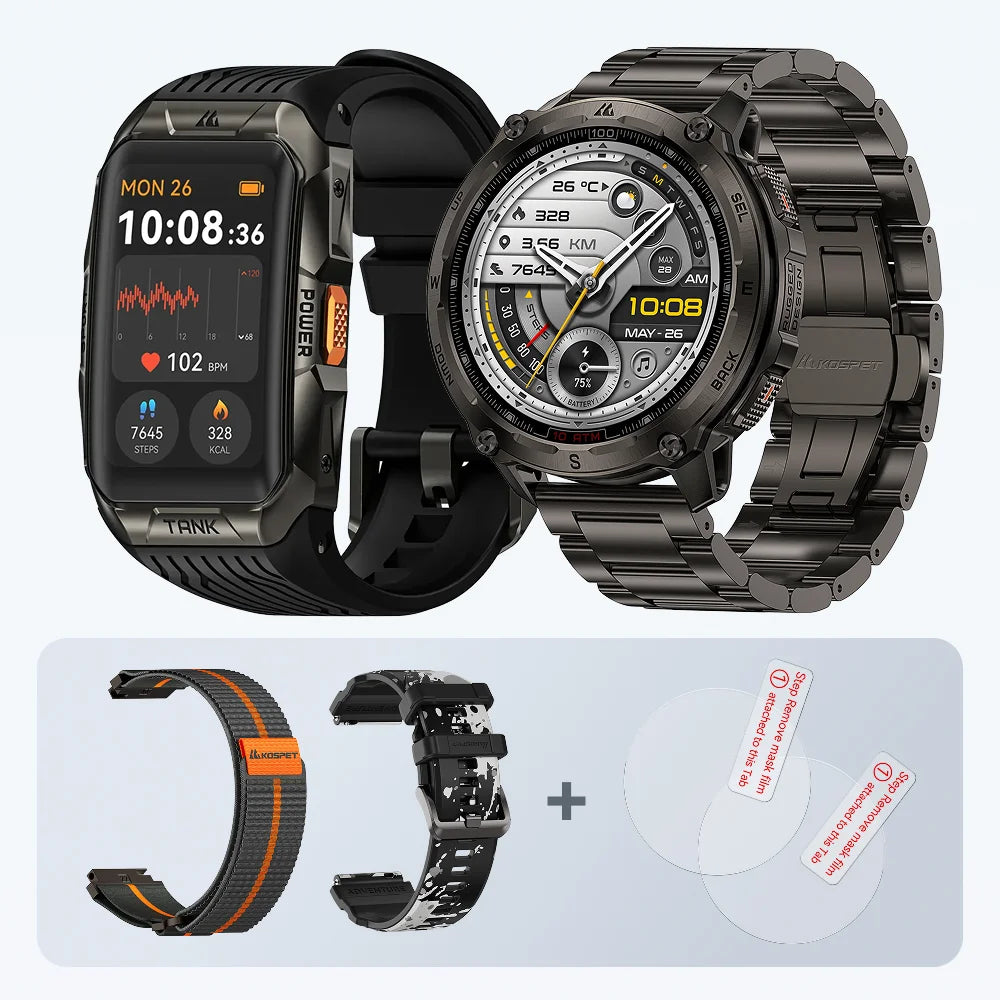
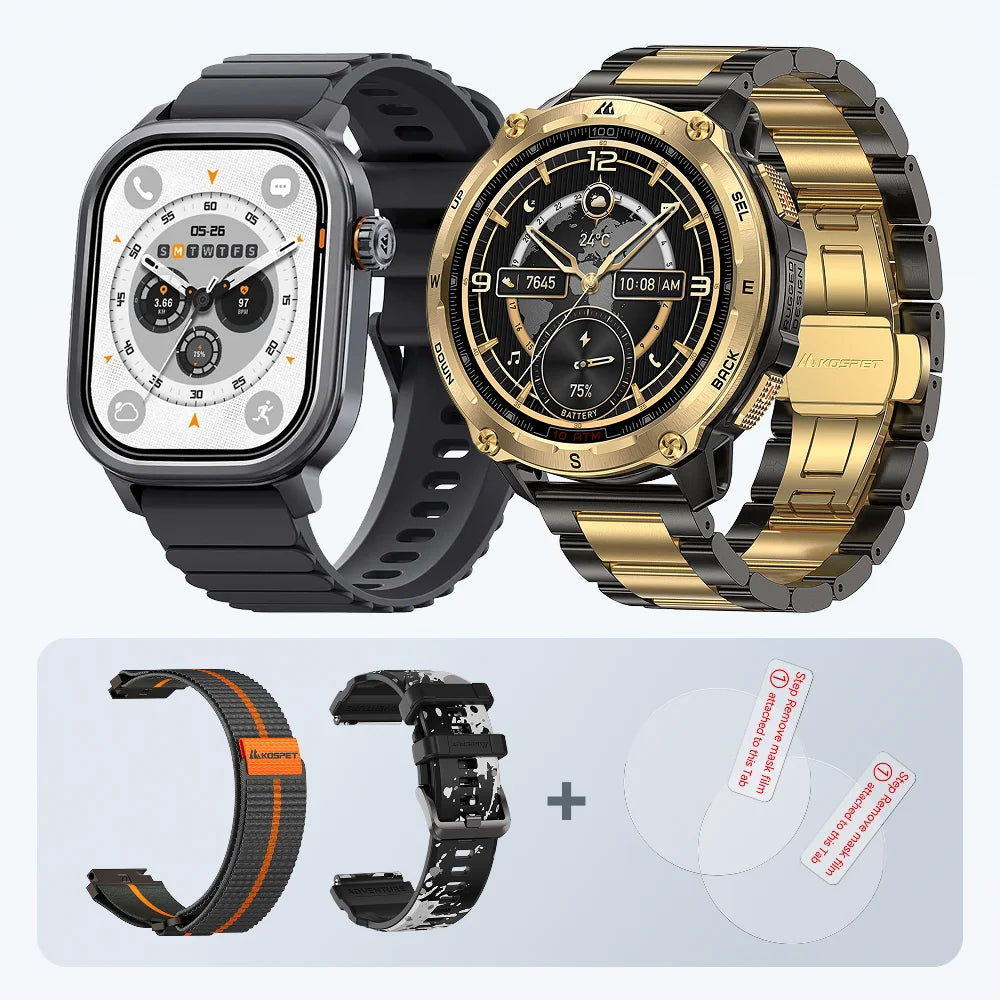
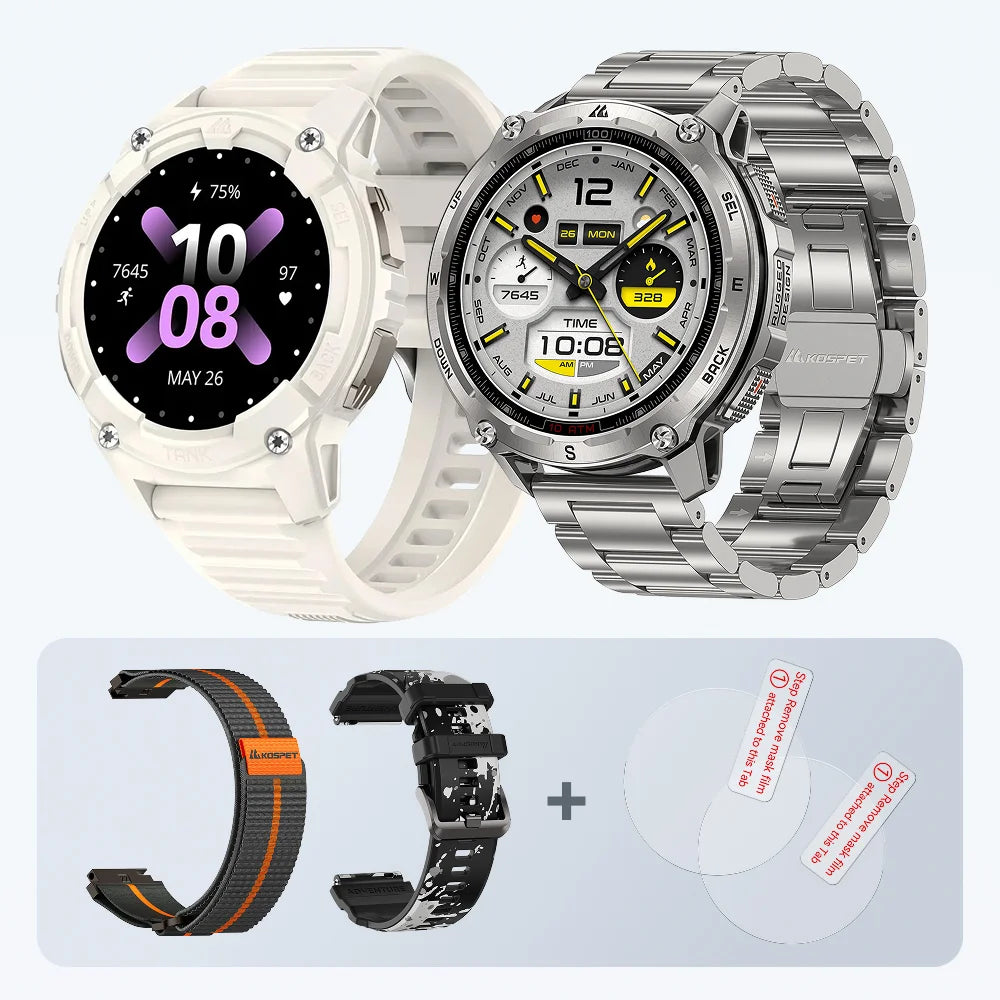
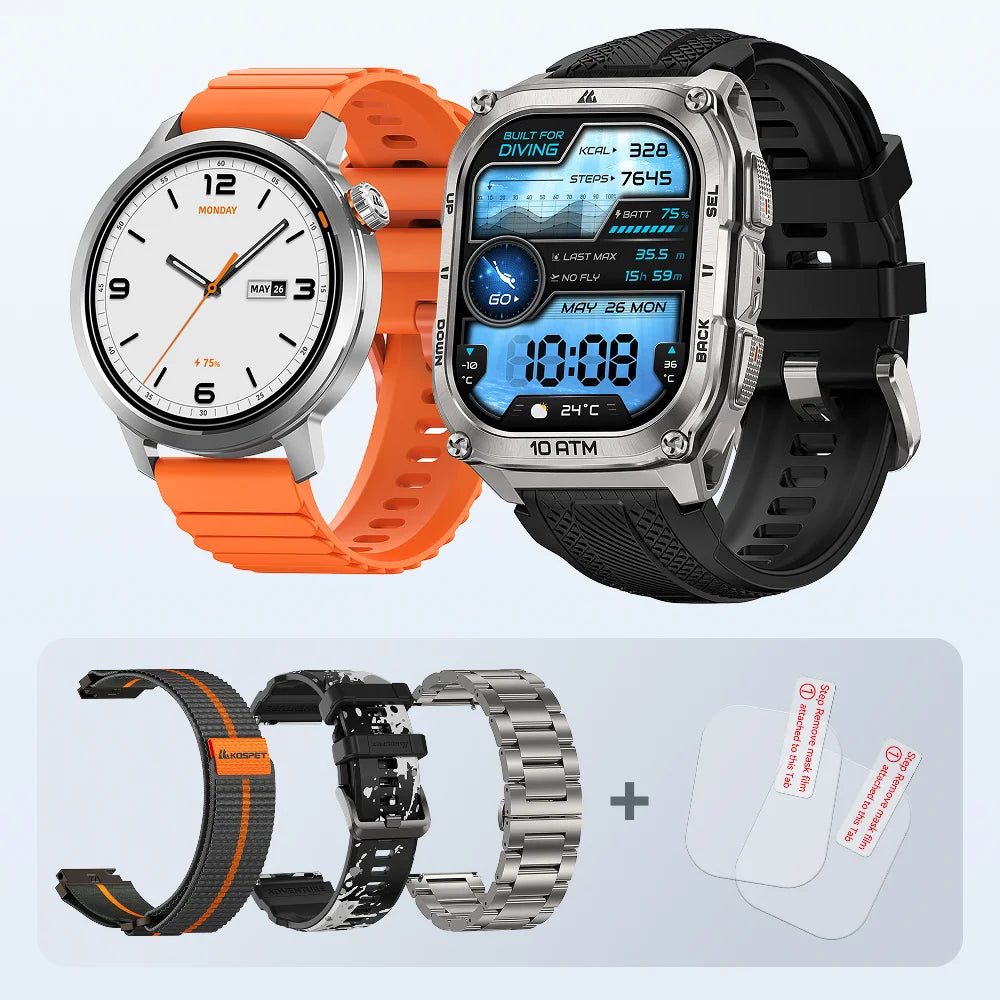
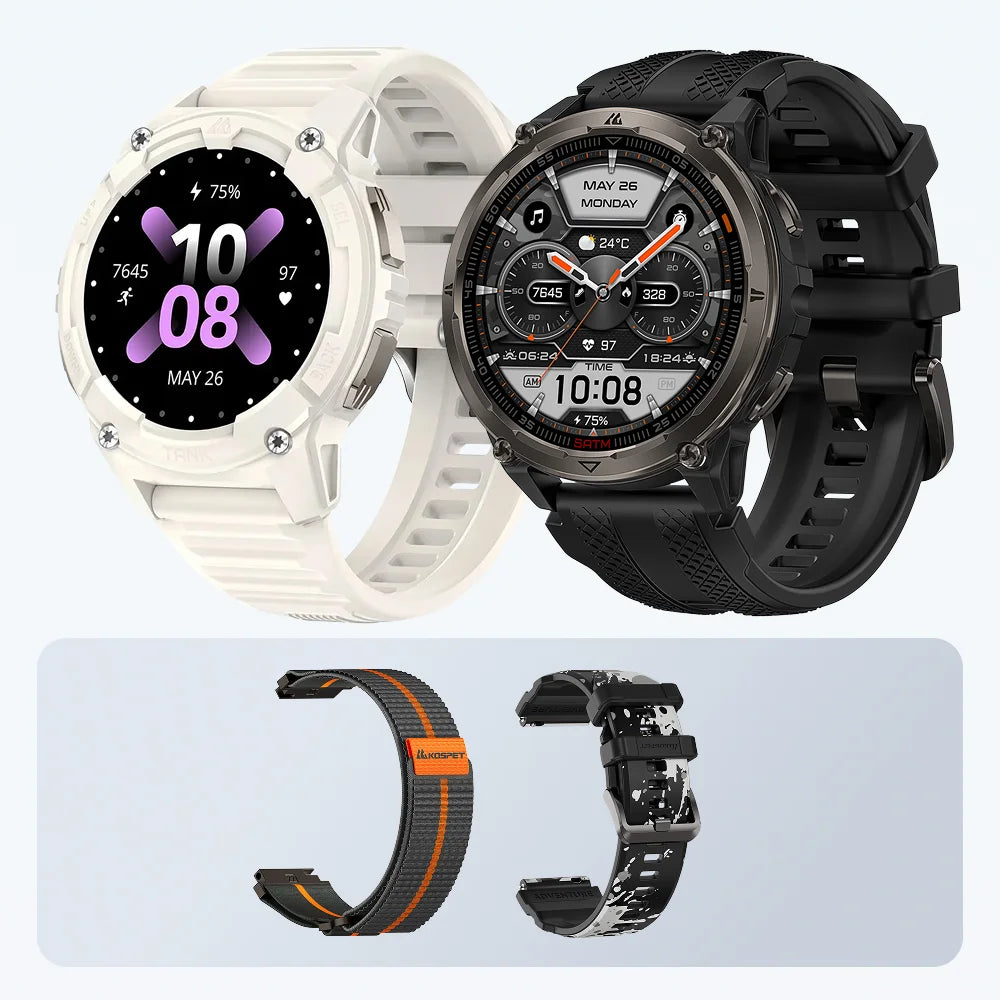
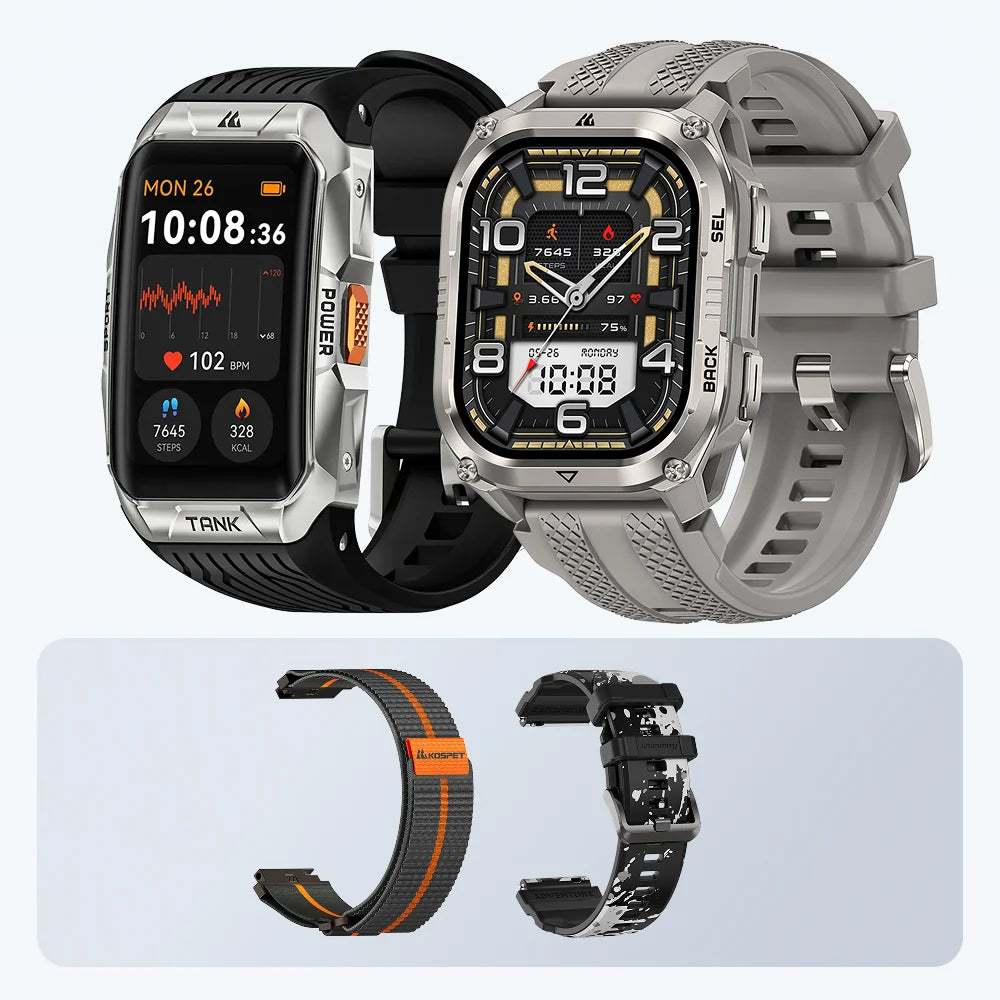
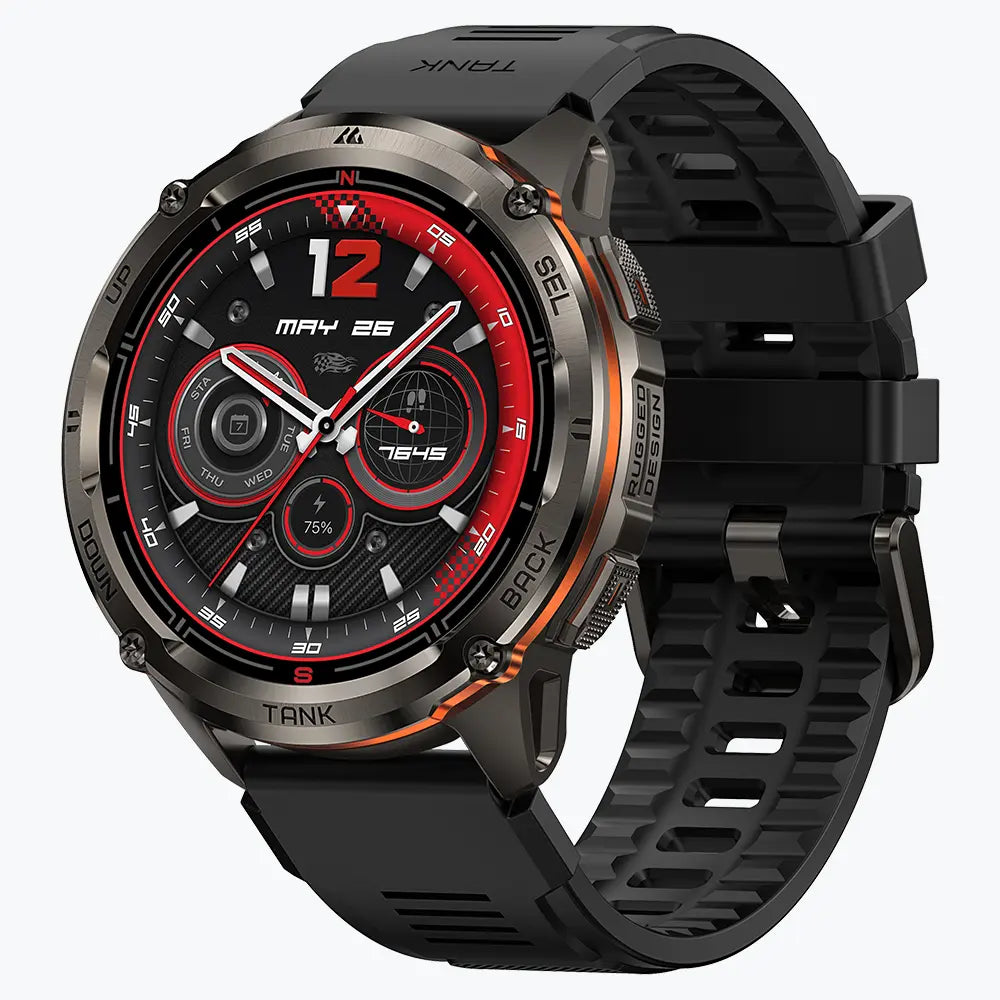
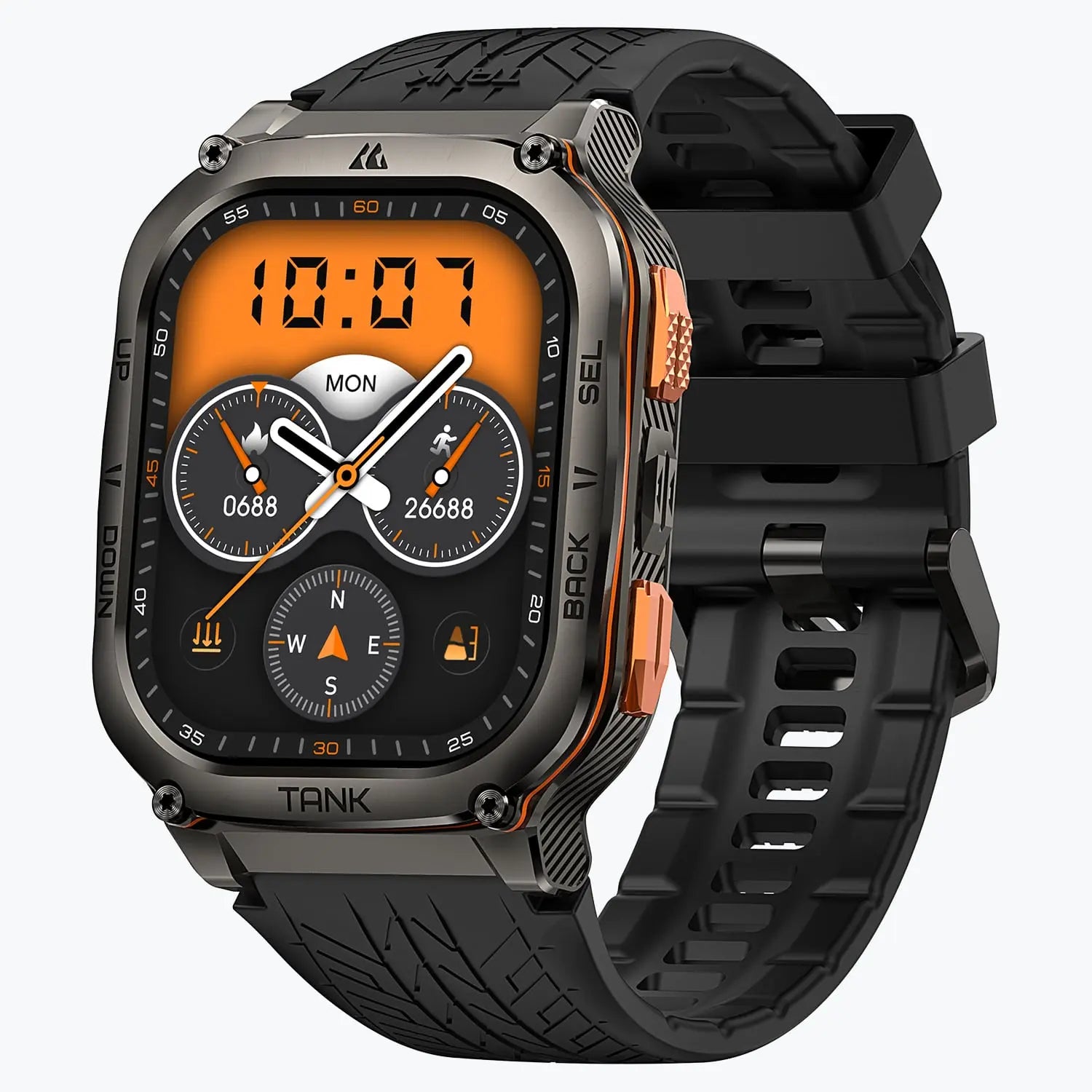


Battery life refers to how long your KOSPET smartwatch or smart band can operate between charges. The actual battery life may vary depending on your watch model, usage habits, settings, and environmental conditions. In particular, enabling multiple power-intensive features simultaneously can significantly increase power consumption compared to typical usage.
Identify the Main Power-Consuming Features
The following features may have a noticeable impact on battery life:
- - All-day health monitoring
- - Raise to Wake
- - Always-on Display (AOD) and Automatic Brightnes
- - GPS positioning and offline map navigation
Adjust Your Settings to Extend Battery Life
Reduce the frequency of health monitoring.
Since continuous or frequent health monitoring keeps the sensors active and increases power consumption, you can reduce the measurement frequency if continuous monitoring is unnecessary. Automatic health monitoring can be adjusted on your KOSPET smartwatch or smart band or via the Apexmove App by going to My Device > Health Monitoring Settings.
Disable Raise to Wake and shorten the screen timeout.
The more frequently the screen turns on, the more power your KOSPET smartwatch or smart band consumes. If you're doing a high-intensity workout or hiking on a rugged trail, turn off Raise to Wake and lower the Display Duration. To do this, open the Apexmove App on your phone and access the My Device page, or go to your KOSPET smartwatch or smart band and enter Display & Brightness.
Disable Always-on Display (AOD) and Automatic Brightness.
Keeping key information continuously visible on the screen and automatically adjusting screen brightness based on ambient lighting both require additional power and therefore accelerate battery drain. To maximize battery life, adjust feature settings according to your actual needs. For example, turn off Always-on Display and Automatic Brightness through your KOSPET smartwatch's Settings or the Apexmove App > Display & Brightness.
Use GPS positioning and offline map navigation only when necessary.
Using GPS positioning and displaying offline navigation continuously during outdoor activities can greatly increase battery consumption. To preserve battery life, use GPS to track your location and preloaded offline maps for real-time navigation only when needed outdoors.
Note: Available features and settings may vary depending on your KOSPET smartwatch or smart band model.
Conclusion
There is no single configuration that works best for everyone. By understanding which features consume more power and adjusting them according to your usage needs, you can enjoy the functions that matter most while maximizing the battery life of your KOSPET smartwatch.