

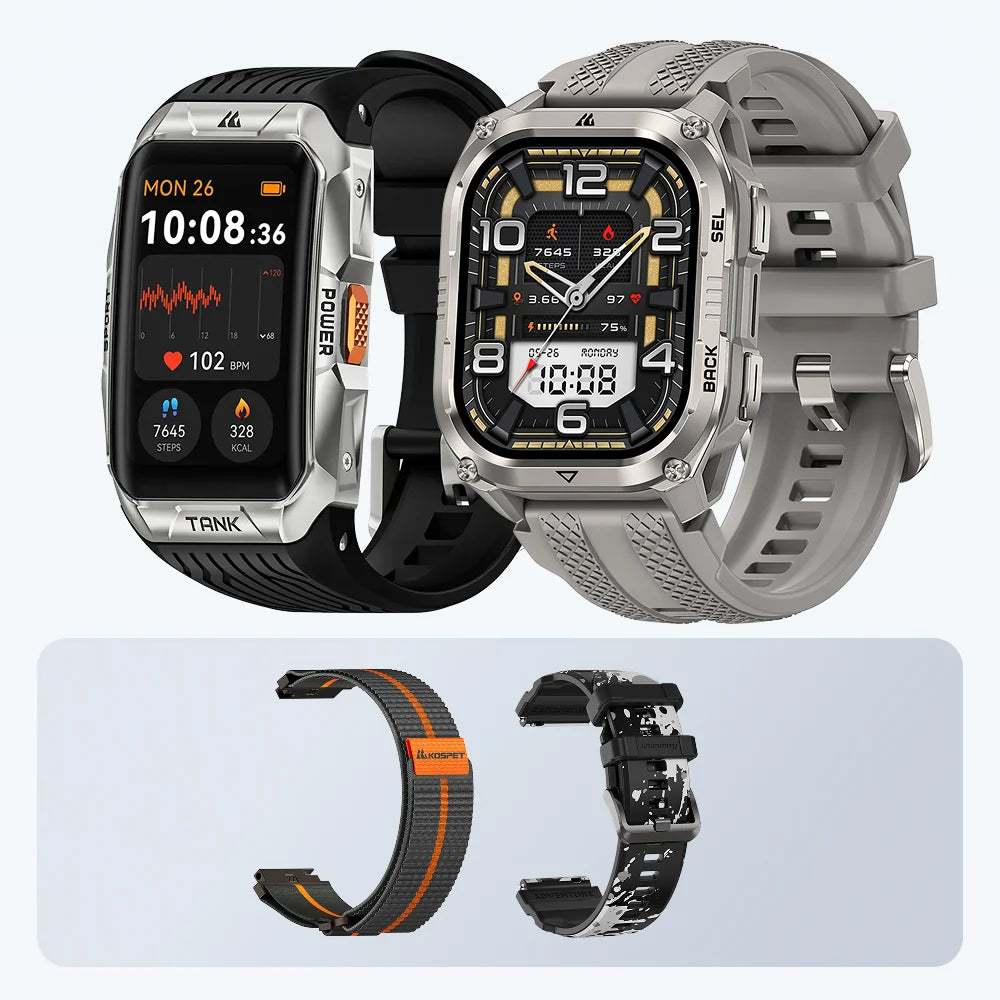
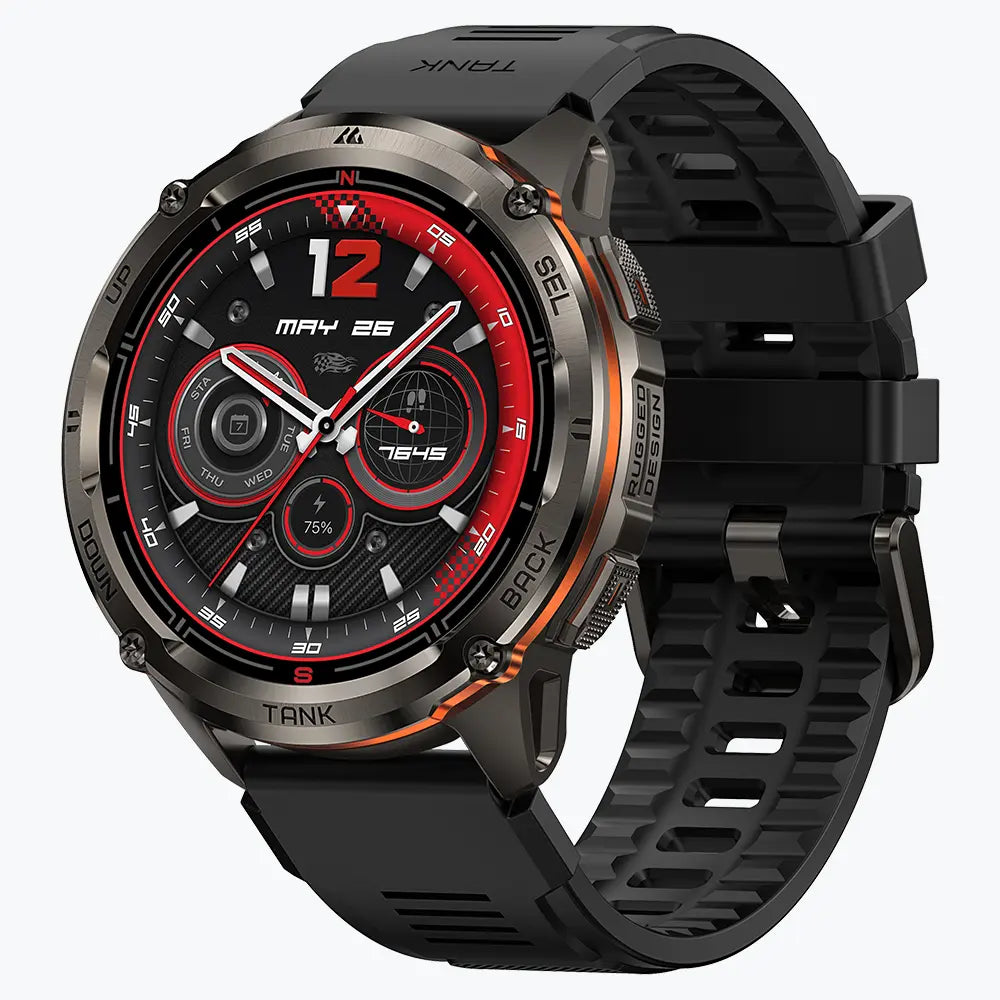
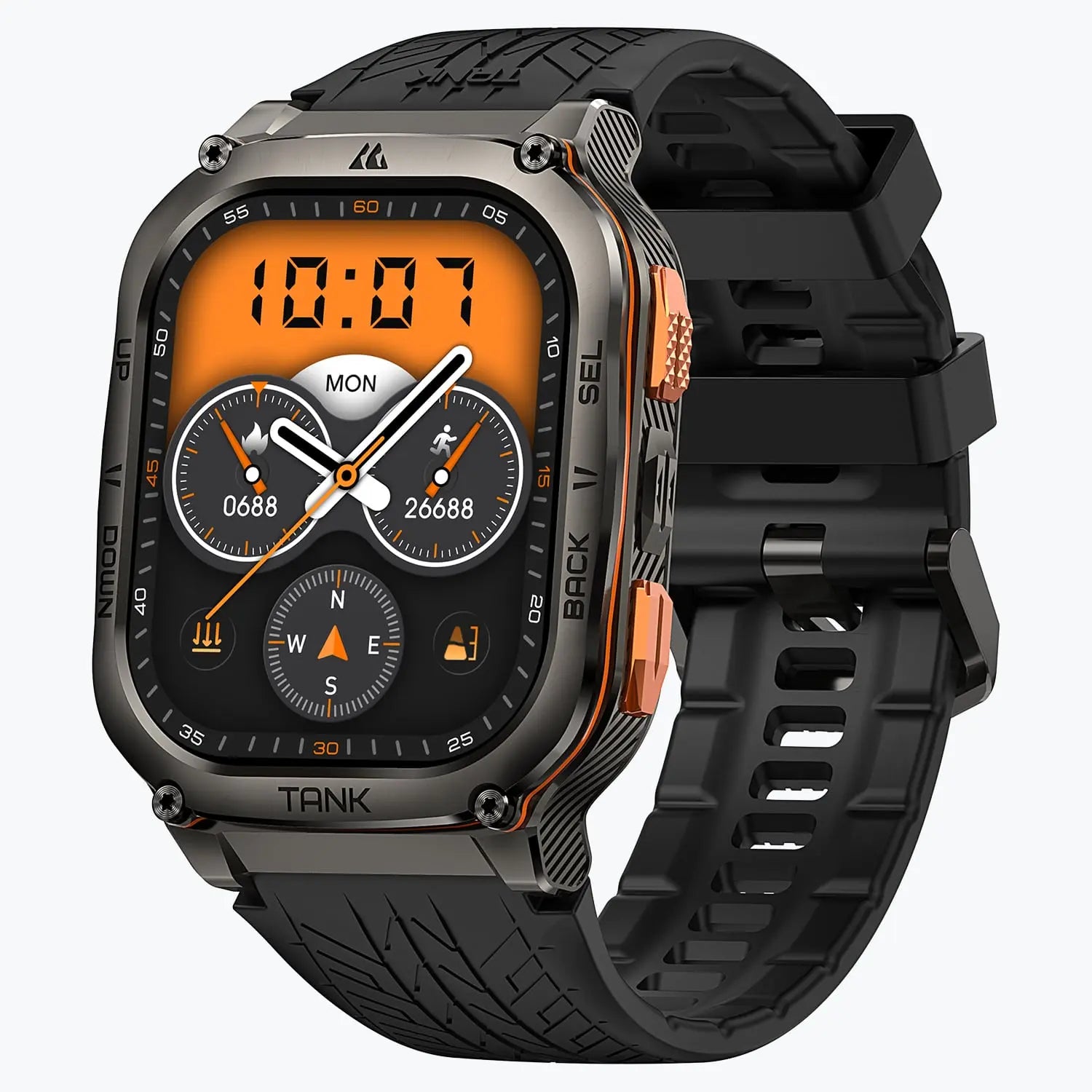


A practical tactical smartwatch gives you quick access to the tools you need in the field. The right purchase starts with those tasks. Hands-on work calls for clear controls and useful lighting. Unfamiliar routes demand appropriate navigation. Specialist duties require explicit support for the relevant tactical functions.
Choose the capabilities your activities require, then compare battery life, fit, and total cost. This approach narrows the options without paying for features that add little to your routine.

What Makes a Smartwatch Tactical?
The tactical smartwatch category covers different levels of capability. Some models combine durable construction with GPS, outdoor sensors, and everyday smart features. Others add dedicated functions such as stealth mode, night-vision compatibility, and specialist navigation tools.
The distinction matters during selection. A compass supports basic orientation. Night-vision equipment creates a separate display requirement. A tough case provides no evidence of either capability.
- Judge the watch by its documented functions and operating limits.
- Treat professional requirements as mandatory selection criteria.
Key Tactical Smartwatch Features to Consider Before Buying
GPS Navigation and Offline Tools
Built-in GPS provides positioning hardware. The navigation software determines how the watch uses that position.
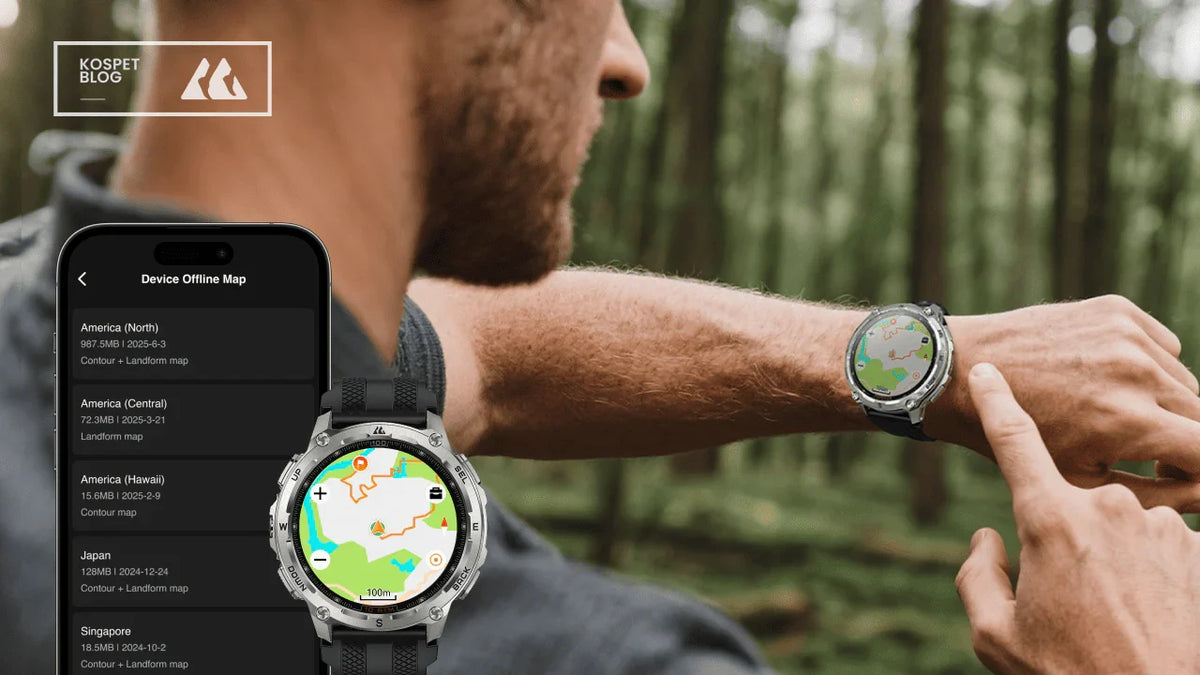
Activity recording saves a route for review. Route guidance helps you follow a planned course or a recorded track on supported models. Offline maps add geographic context through downloaded map data.
These capabilities serve different purposes. Recording a familiar running route requires less navigation support than following an unfamiliar trail. Map buyers also need to understand downloads, coverage, storage, and route-import requirements.
Positioning accuracy remains affected by signal blockage, local conditions, and receiver design. A dual-band specification alone does not establish real-world performance.
- Prioritize activity recording for workout logs.
- Look for documented route guidance and map support for unfamiliar terrain.
- Review the preparation process before choosing an offline-navigation watch.
Low-Light Readability and Physical Controls
Starting an activity or opening a compass should take little effort. Wet hands and gloves make access to essential controls especially important.
Look beyond the number of buttons. The useful detail is which actions they perform. Starting a timer through a button is helpful; navigating several touchscreen menus to reach it adds friction.
Display control matters after dark. Check minimum brightness, wrist-raise settings, and access to the screen light. A dedicated LED flashlight serves a different task from lighting the display.
- Prioritize direct button access to frequently used functions.
- Check screen visibility in both bright and dark surroundings.
- Choose adjustable wrist lighting for regular short tasks in poor light.
Stealth Mode, Night Vision, and Data Controls
Stealth mode manages connectivity and location handling on supported devices. Its functions include disabling wireless communication and preventing GPS-position storage or sharing. Night-vision mode adjusts display lighting for compatible equipment. A data-wipe shortcut removes stored information. Each function needs its own verification.
Ordinary notification settings address interruptions. They do not establish support for communication shutdown, location-recording controls, or night-vision equipment.
The manual should describe the exact behavior of each mode, including the functions that remain active.
- Require explicit documentation for specialist tactical functions.
- Check data storage and synchronization settings separately from notification controls.
Durability and Water Resistance
Durability claims become useful when the test conditions are clear. MIL-STD-810 covers environmental engineering and test methods tailored to intended requirements. The reference needs supporting details about the tests performed.
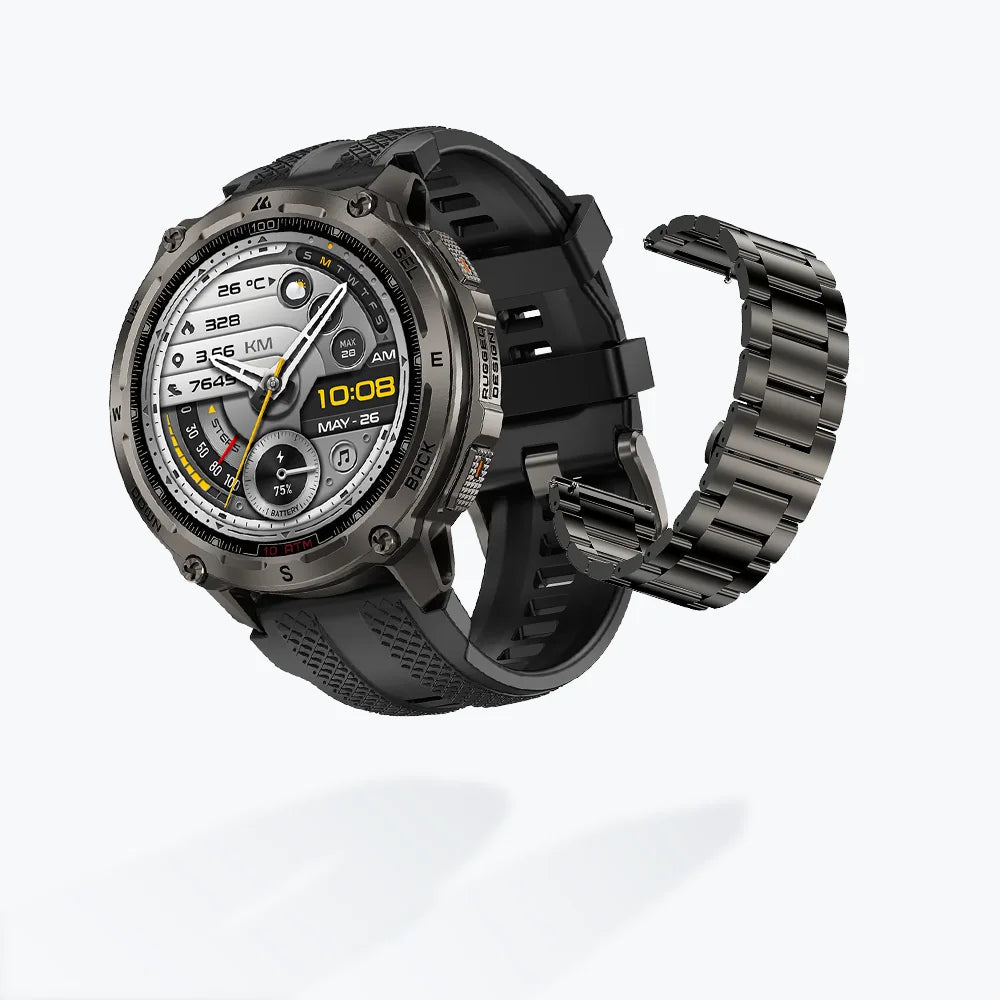
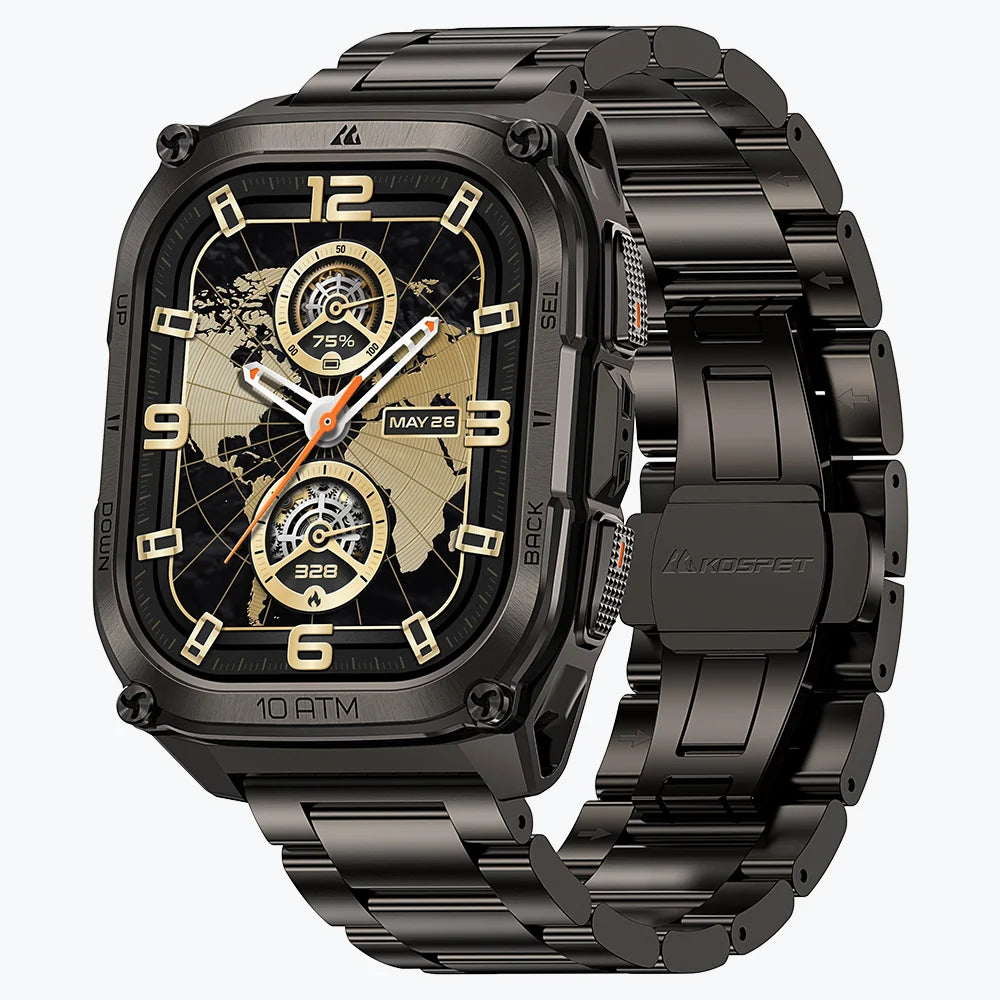
Construction deserves a closer look too. Inspect the bezel, exposed controls, strap attachments, and availability of replacement bands. These parts affect daily wear and long-term maintenance.
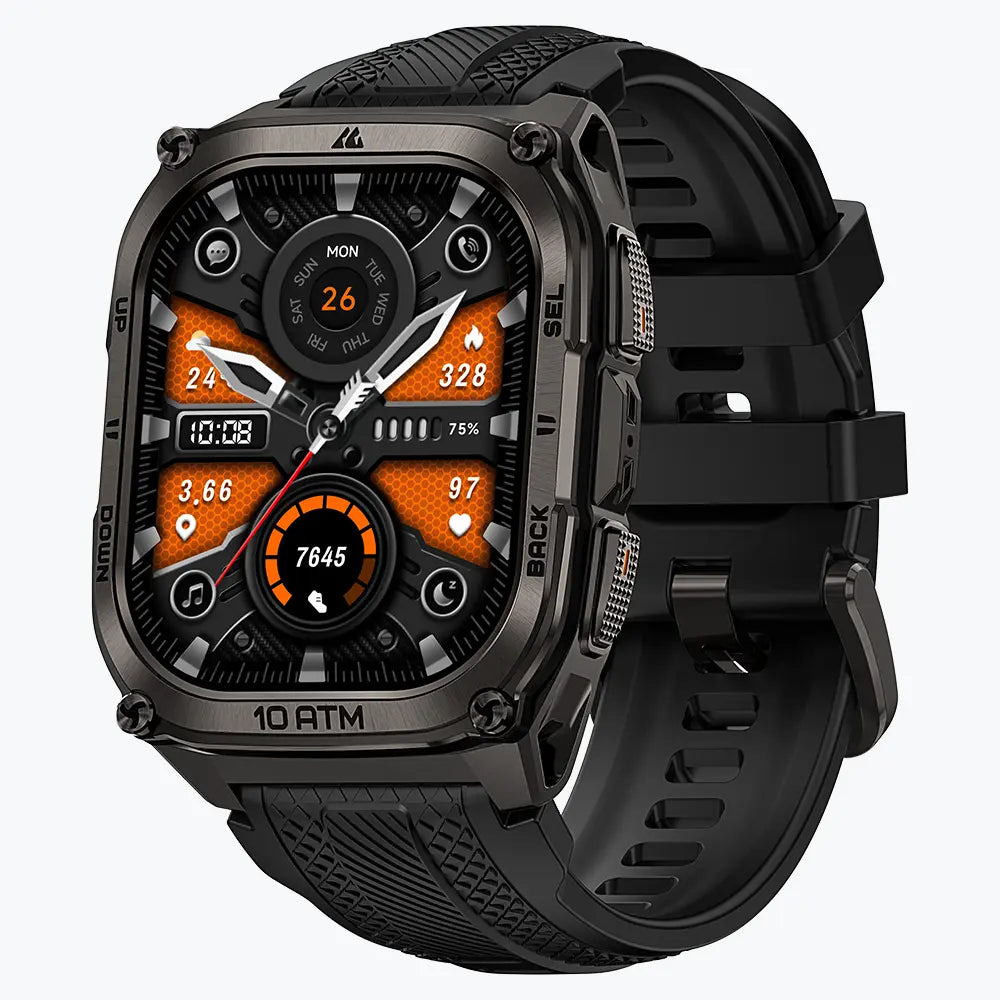
Water ratings need similar context. ATM figures describe pressure resistance. The manufacturer’s activity guidance determines the stated uses and restrictions.
- Match test evidence to the conditions your watch will face.
- Check the model’s water-use instructions alongside its rating.
- Include replacement straps and service options in the buying decision.
Battery Life in GPS and Everyday Use
Typical-use battery life and continuous-GPS runtime measure different workloads. Comparing one watch’s standby figure with another’s GPS figure gives a misleading result.
Start with the longest activity you need to record. Add the time between charging opportunities. Screen settings, navigation, lighting, and other active features also belong in that calculation.
Power-saving modes need closer inspection. Longer runtime often comes with changes to the features or recording settings available.
- Use continuous-GPS figures to assess long recording sessions.
- Compare everyday battery claims under similar display settings.
- Leave spare capacity and confirm the charging equipment required.
Fit, Comfort, and Everyday Compatibility
Case dimensions affect more than appearance. Thickness influences sleeve clearance. Weight and strap adjustment affect comfort during movement and overnight wear.
Check the full dimensions and strap range. Product photos alone give little indication of how the case sits on your wrist.
Phone compatibility also needs specific answers. Confirm current app requirements and support for your essential functions. Notification display, message replies, Bluetooth calls, and independent calling are separate capabilities.
- Prioritize a secure, comfortable fit for extended wear.
- Verify individual phone features before buying.
Specialized Tactical Tools: Who Needs Them?
Jumpmaster functions, ballistic software, and specialist coordinate tools support defined activities. Access depends on the model and software package; some functions require a paid unlock.
These tools belong on a shortlist built around a known requirement. General work, fitness tracking, and recreational navigation create a different set of priorities.
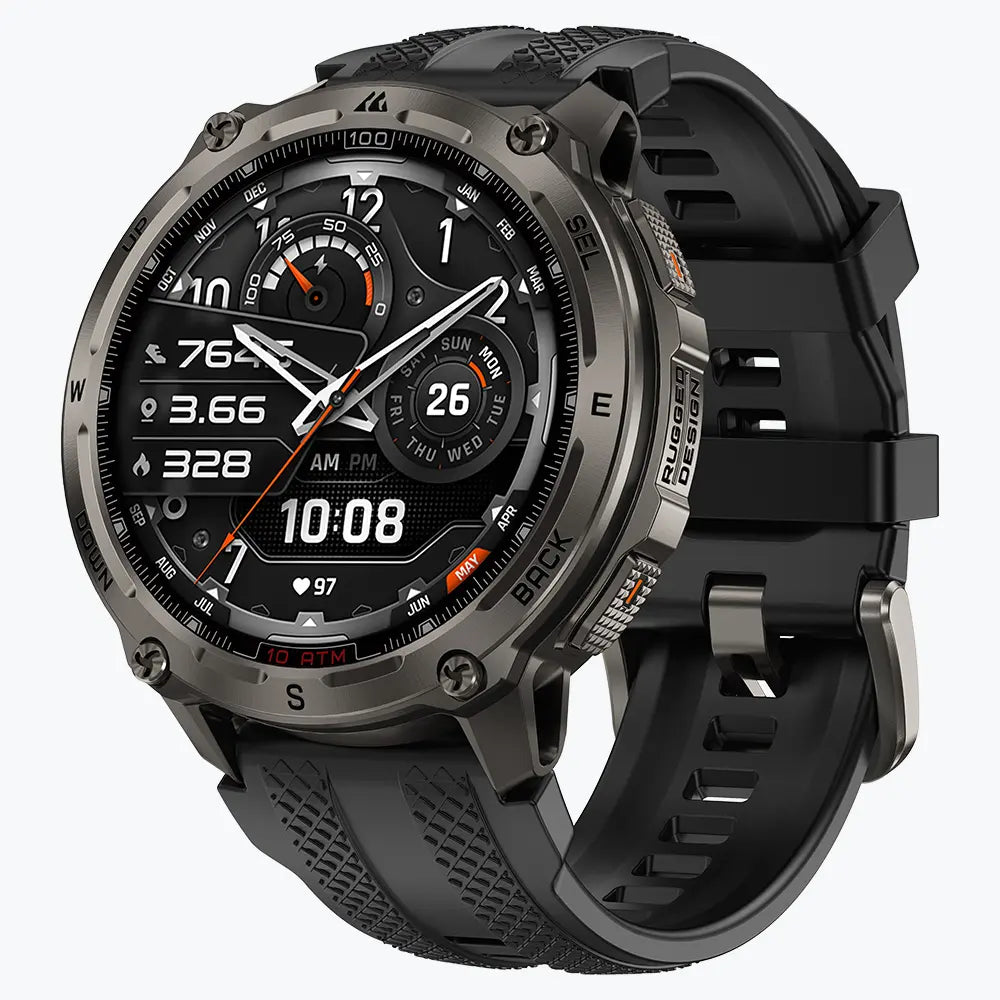
The KOSPET models discussed below address those practical uses. Their outdoor features do not establish support for specialist tactical software.
- Budget for specialist functions required by your activity.
- Direct the remaining budget toward usability, navigation, and power needs.
How to Choose a Tactical Smartwatch for Your Needs
For Duty and Field Use
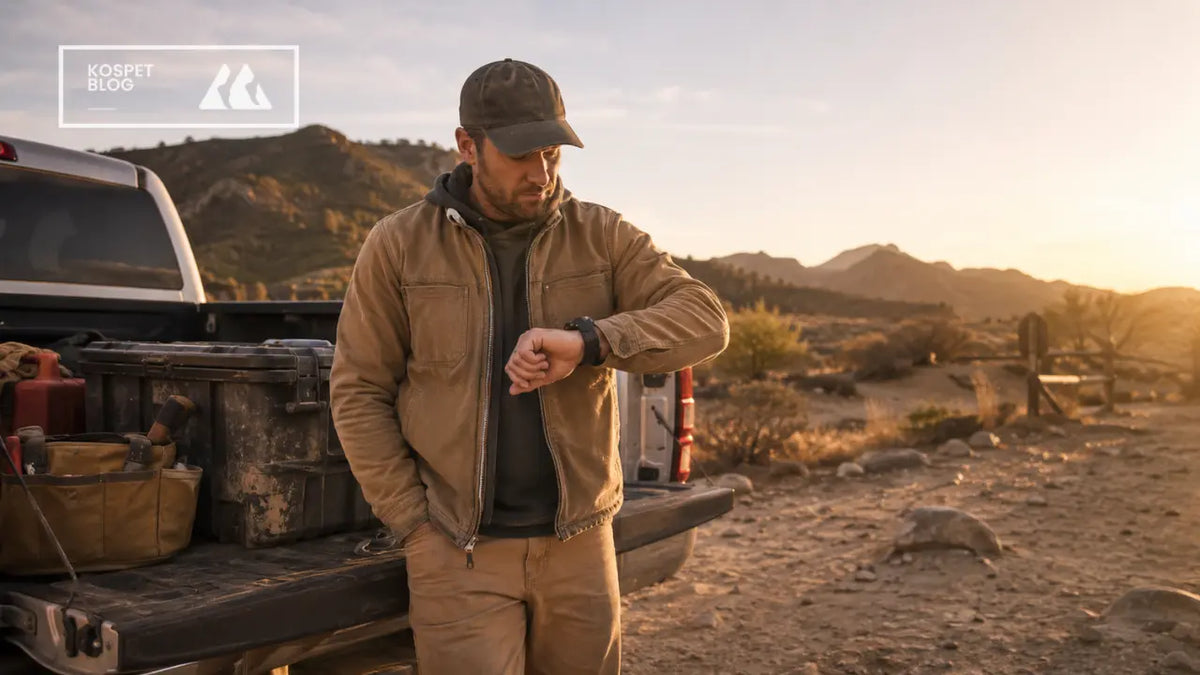
Start with the tasks performed during a normal shift. Timing, checking direction, reading information quickly, and inspecting equipment each place different demands on the watch.
Rank those tasks by importance. Essential controls need to remain accessible under actual working conditions. Extra fitness modes have less value during a shift that depends on quick access to a timer or compass.
- Build the shortlist around mandatory tasks.
- Verify device eligibility under the current rules for your role.
- Use convenience features to distinguish the remaining options.
For Rucking, Training, and Outdoor Navigation
Training on familiar ground puts the emphasis on activity records, readable workout data, and comfortable wear. Unfamiliar routes add a stronger need for navigation.
Rucking also deserves attention to the recorded metrics. Pack-weight input is a specific feature to verify, rather than something implied by a general hiking or walking mode.
Choose the data you plan to review after training. Then decide what information you need on the wrist during the activity.
- Match workout features to your training records.
- Match navigation capability to route complexity.
- Assess GPS endurance against the duration of the outing.
For Everyday Wear and Occasional Outdoor Use
Notifications, regular exercise, and familiar local walks place daily usability at the center of the purchase.
Comfort, straightforward controls, and manageable charging offer value throughout the week. Downloaded maps become a useful upgrade for planned routes that require them.
- Put frequently used functions first.
- Tie each upgrade to a clear gap in your current routine.
How Much Should You Spend on a Tactical Smartwatch?
Set the budget around the capability you need to add. Offline maps support a different navigation task from activity recording. Adjustable lighting provides practical value during repeated low-light work.
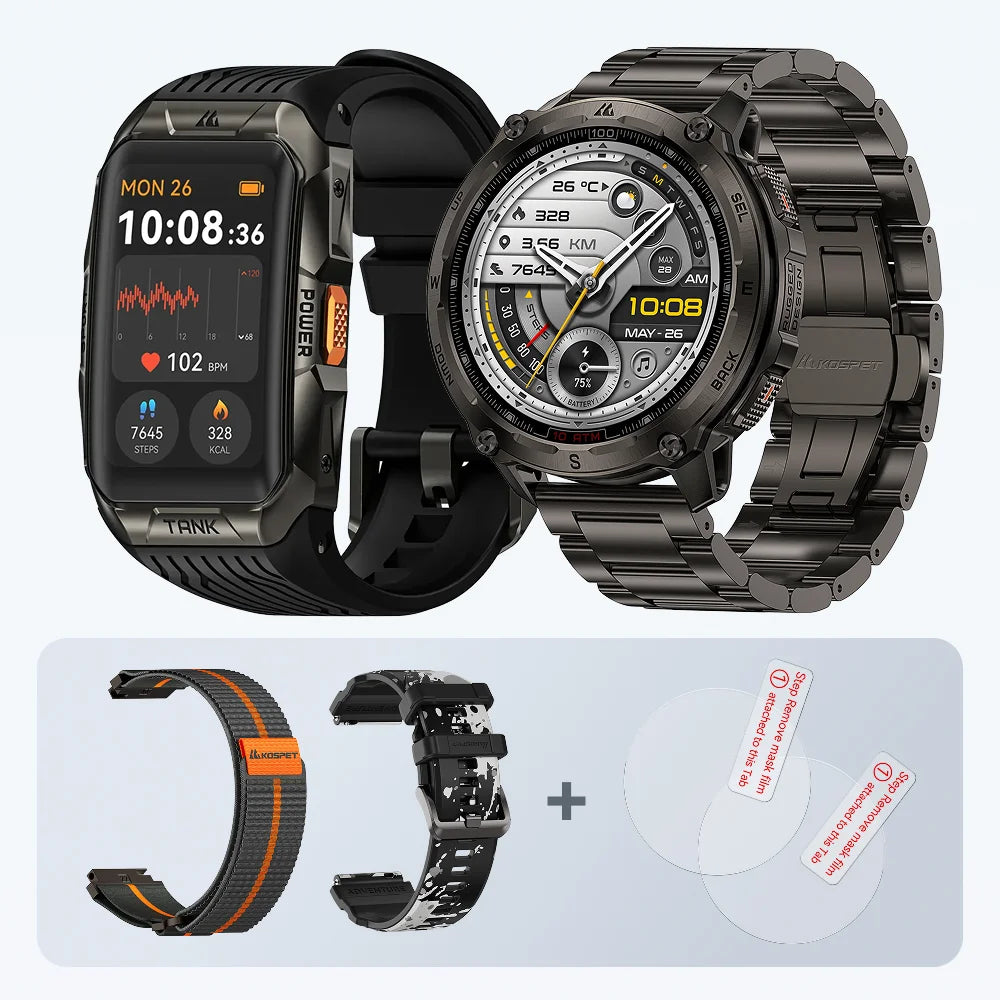
Compare equivalent packages. A watch-only price and a bundle with extra straps or charging accessories cover different purchases. Review protection plans and any software charges separately.
- Identify the task each upgrade improves.
- Compare total costs across equivalent packages.
- Check warranty terms, accessory availability, and software support.
Which KOSPET Smartwatch Fits Your Needs?
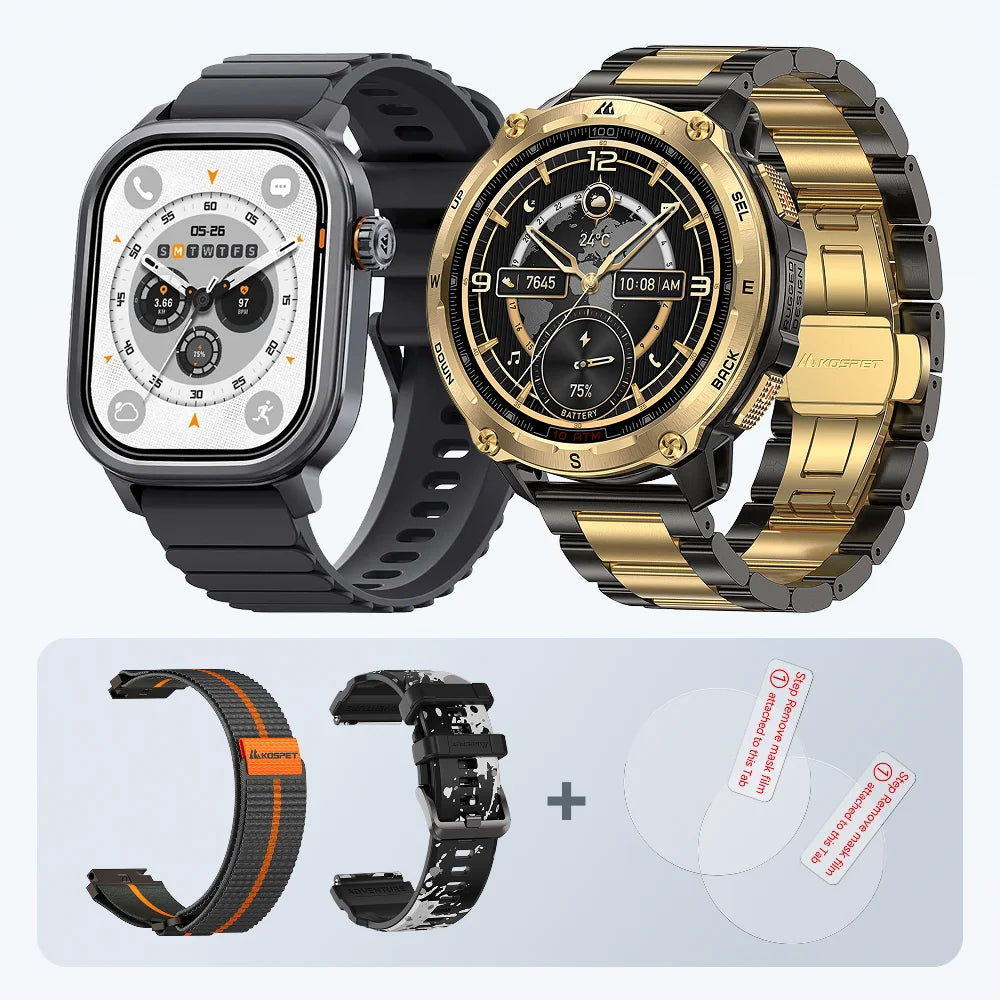
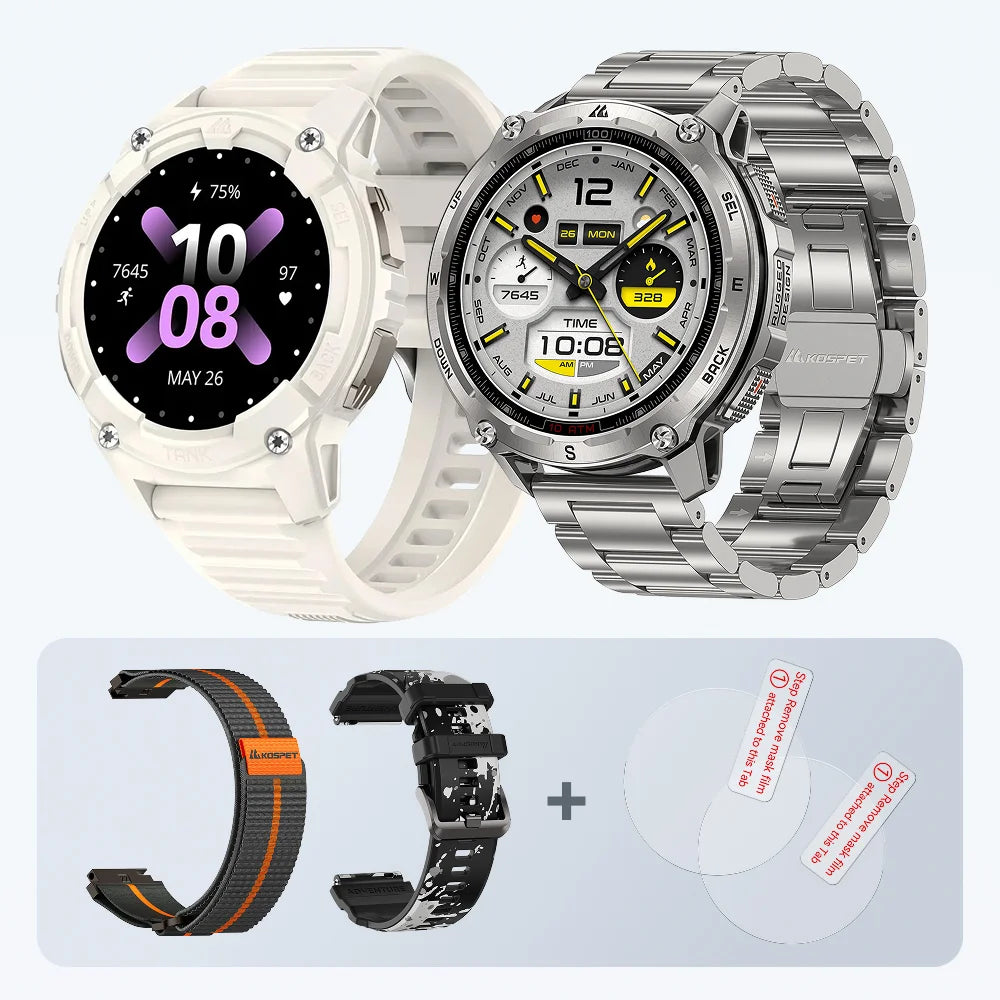
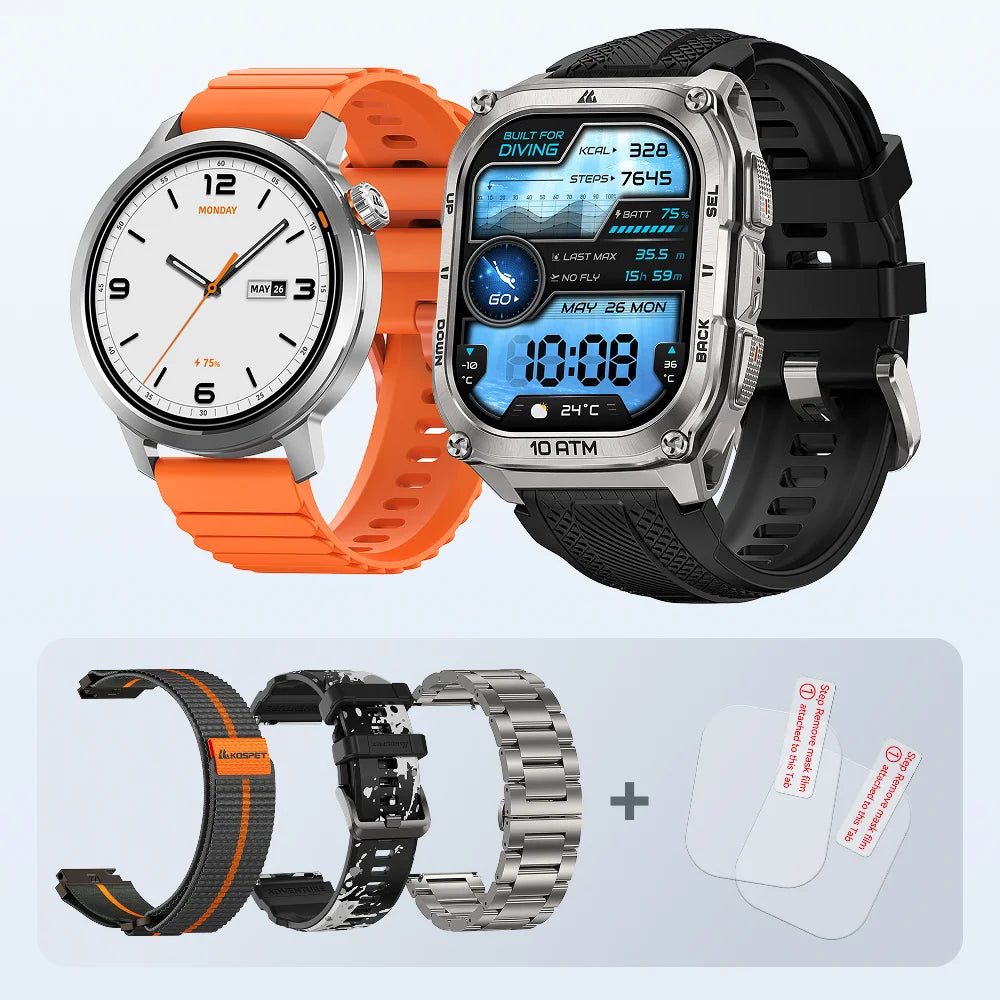
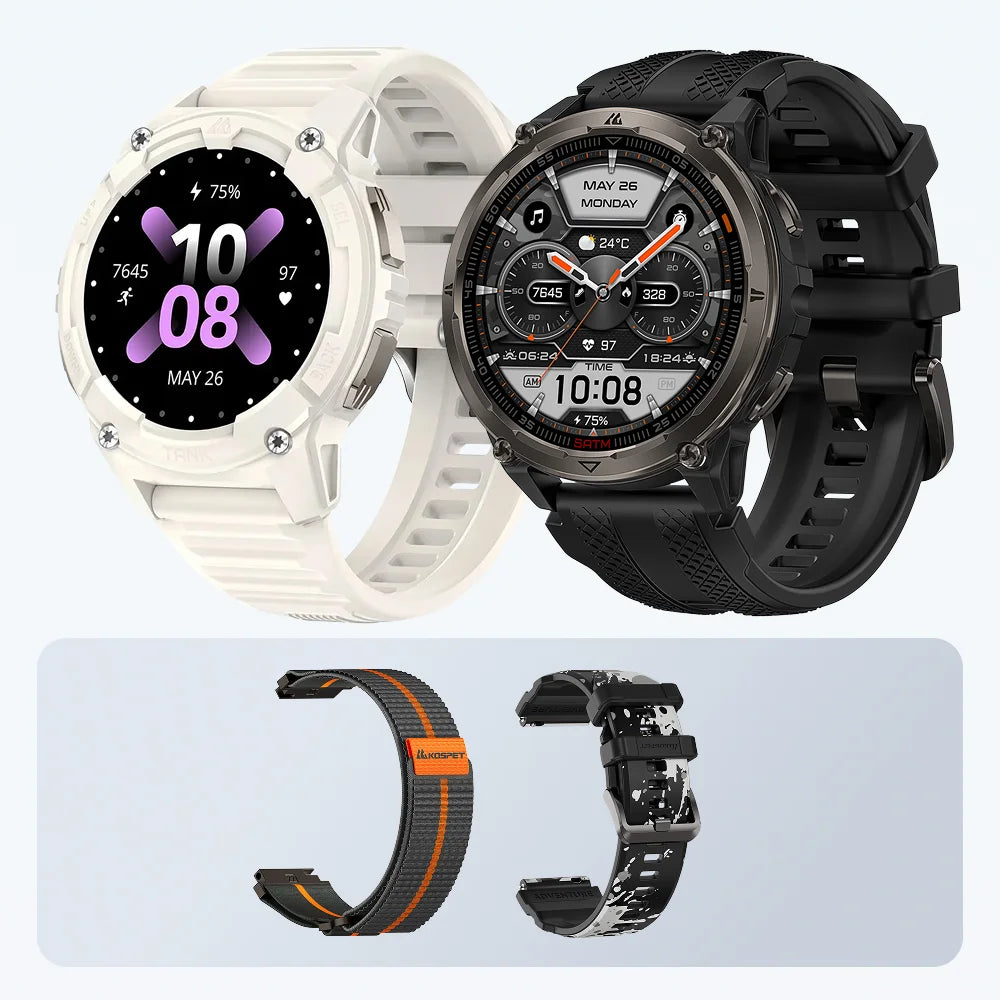
ORB 2, TANK T4C, and TANK T4SE offer three distinct starting points.
| Model | Main Buying Priority | Relevant Documented Features |
|---|---|---|
| KOSPET ORB 2 | Daily activity tracking | Dual-band GNSS, LED flashlight, 5 ATM water resistance |
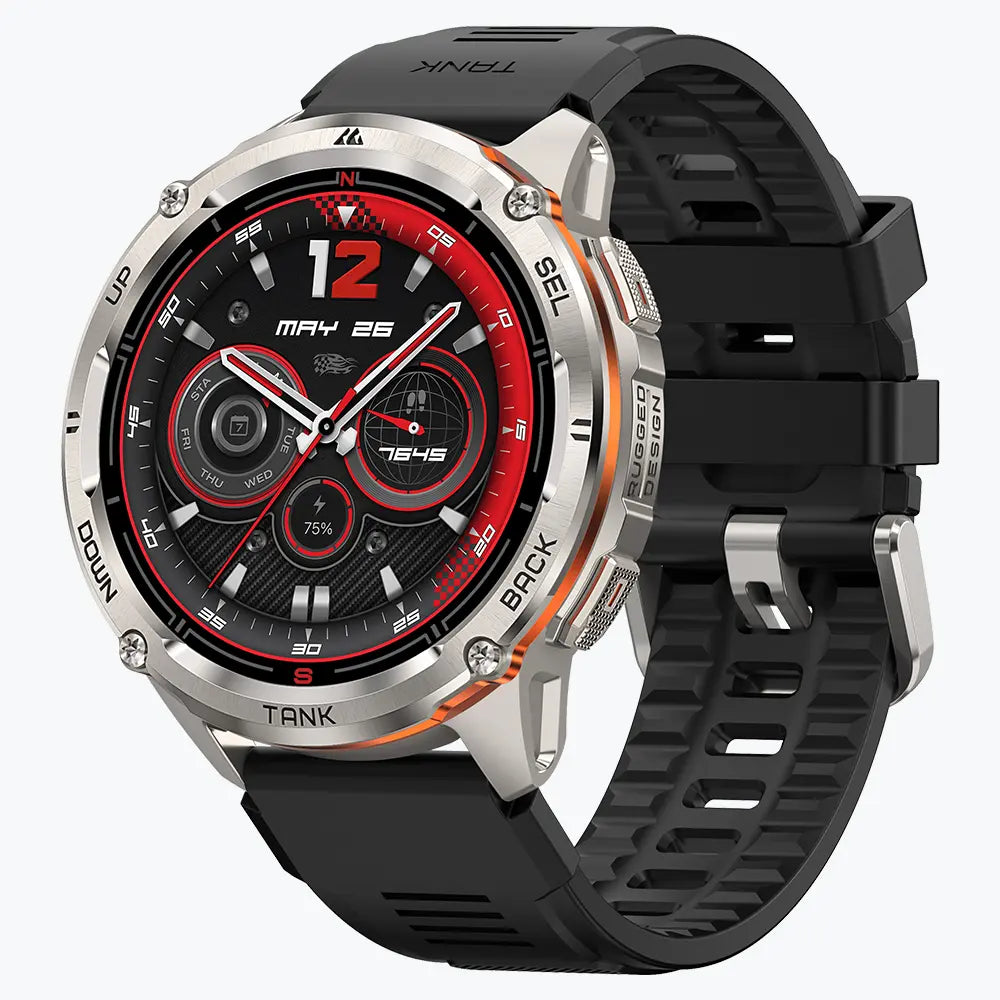
| KOSPET TANK T4C | Practical outdoor tools and wrist lighting | Five-level LED flashlight, dual-band GPS, compass, altimeter, barometer |
| KOSPET TANK T4SE | Offline maps and planned-route navigation | Downloaded maps, GPX/KML route import, dual-band GNSS, 10 ATM water resistance |
These distinctions come from the models’ published specifications.
KOSPET ORB 2: For Everyday Wear and Outdoor Activity Tracking
ORB 2 suits a routine centered on recording runs, walks, and outdoor workouts. Its built-in positioning supports activity tracking, while the LED flashlight adds a practical everyday tool.
KOSPET lists up to 16 days of typical use and up to 25 hours of continuous GPS. The GPS figure is the relevant starting point for long recording sessions. Actual endurance depends on settings and usage.
- Choose ORB 2 for everyday activity records and practical extras.
- Plan longer outings around GPS runtime and charging access.
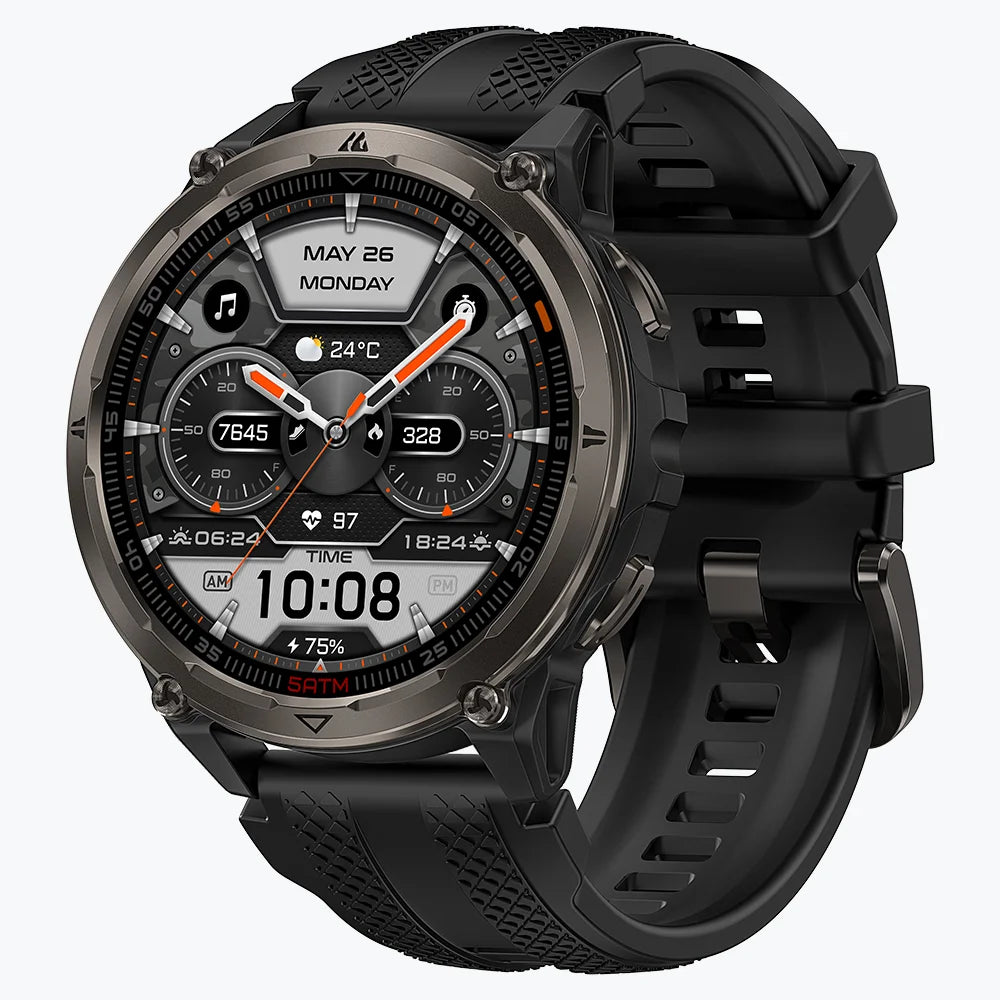
KOSPET ORB 2 Smartwatch
$89.99 USD
KOSPET TANK T4C: For Practical Lighting in Low-Light Conditions
T4C places useful tools within reach during outdoor work and daily tasks. Its flashlight offers five brightness levels. The compass, altitude, and barometric-pressure functions provide additional information outdoors.
The main reason to select it is regular use of those tools. Brief equipment checks and nearby lighting tasks make good use of a wrist-mounted light. Extended work after dark requires a separate lighting setup.
- Prioritize T4C for frequent short lighting tasks and outdoor information.
- Use a dedicated light for sustained illumination.

KOSPET TANK T4C Smartwatch
$159.99 USD
KOSPET TANK T4SE: For Offline Maps and Route Navigation
T4SE provides a documented route into offline mapping. It supports downloaded maps and GPX/KML route imports.
Maps require advance download through Apexmove. Total storage is 512 MB, with less available after system use. Map size and detail determine the area stored on the watch.
That preparation is part of ownership. Download the relevant area, transfer the route, and check that both are accessible before departure.
- Choose T4SE for planned outings that use downloaded maps.
- Confirm coverage and route access before leaving.
- Carry a separate navigation backup on remote trips.
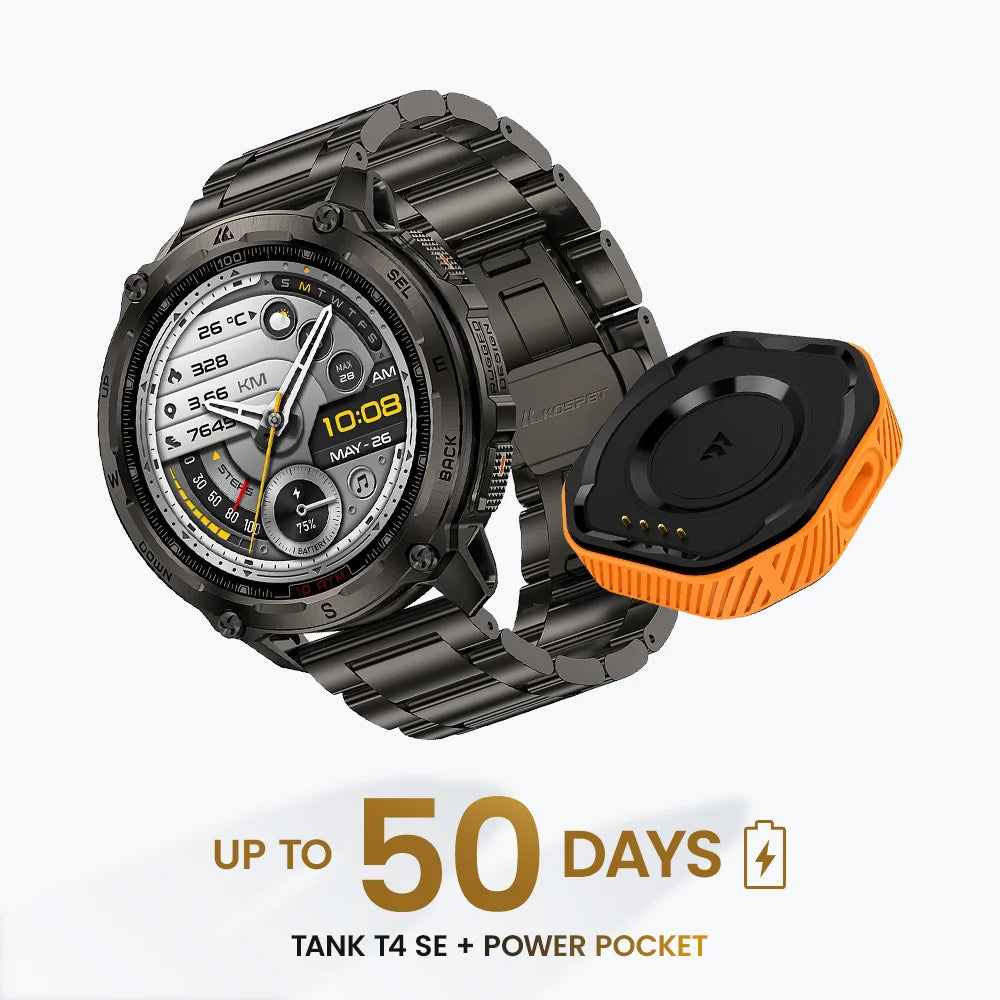
KOSPET TANK T4 Special Edition Smartwatch
$209.99 USD
FAQs
Can a Tactical Smartwatch Send an SOS Without a Phone?
Independent SOS messaging requires a supported communication service. GPS receives satellite signals to calculate position; it does not provide an emergency-message transmission service.
Check the exact SOS feature’s connection requirements, coverage, and subscription terms. Offline maps and short-range voice communication perform separate jobs.
Can I Wear a Tactical Smartwatch in Restricted Work Areas?
Permission depends on the current rules for the employer, unit, and location. Restrictions concern the device or its functions, including wireless communication and location recording.
Confirm eligibility before buying for that role. A tactical label and disabled Bluetooth do not establish permission.
What Should I Check Before Buying an Older Tactical Smartwatch?
Confirm the exact model and hardware version. Review current app compatibility, available updates, replacement chargers, and warranty coverage.
A used watch also needs a battery-condition check. Ask about recent runtime and inspect the screen, buttons, charging contacts, and strap attachments.
- Confirm ongoing software and accessory support.
- Assess condition alongside price.
- Include replacement and maintenance costs in the comparison.