







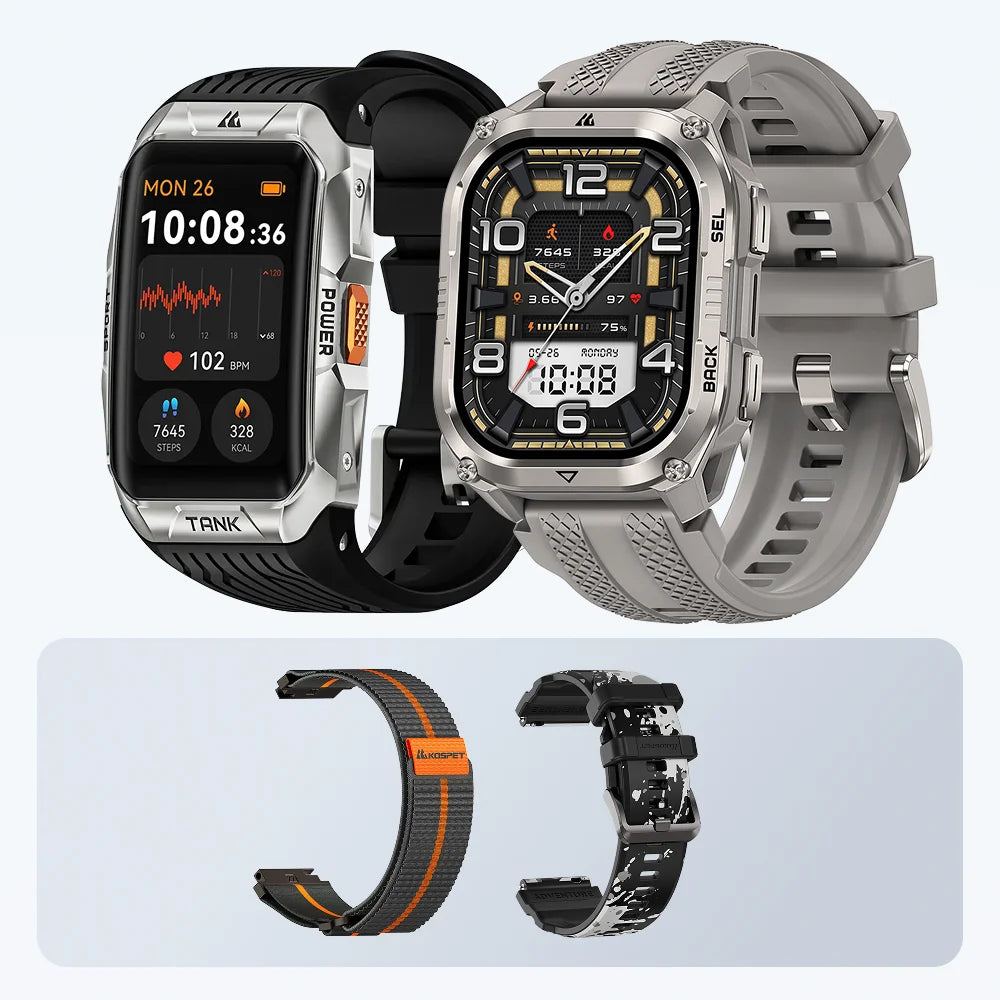
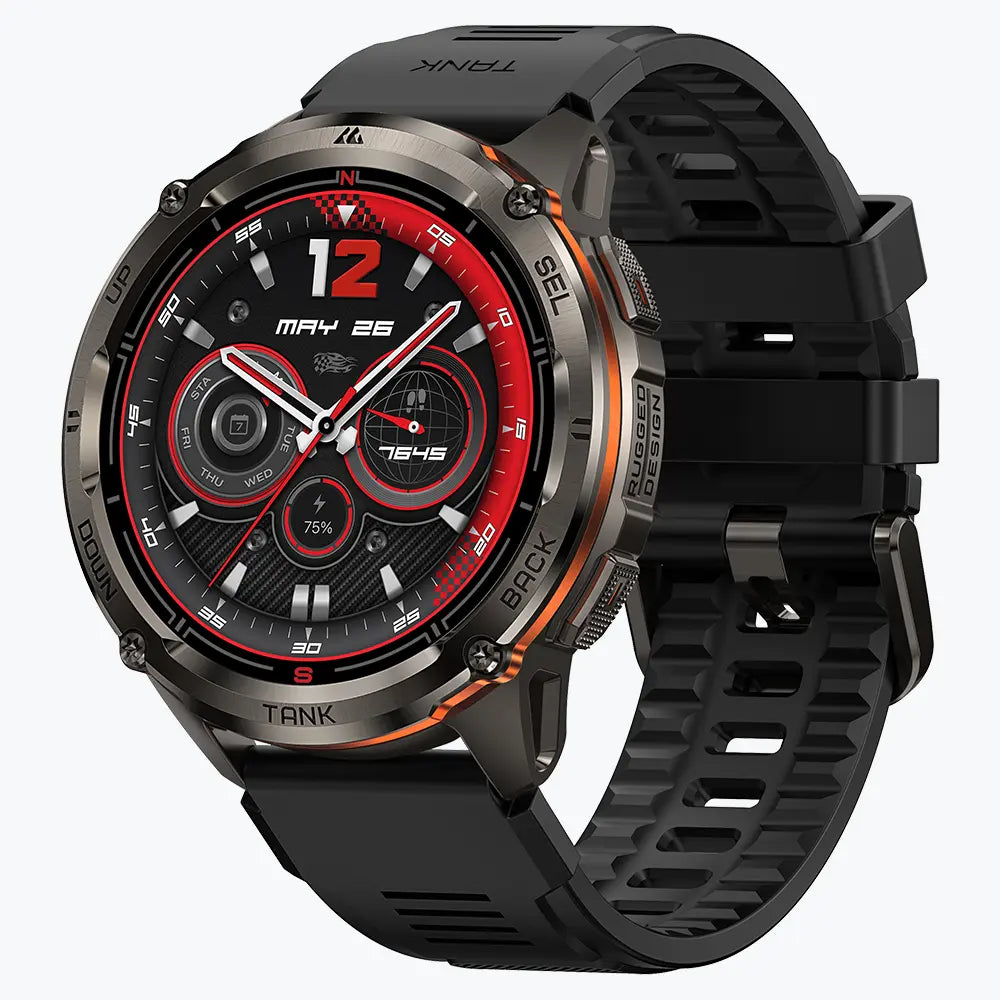
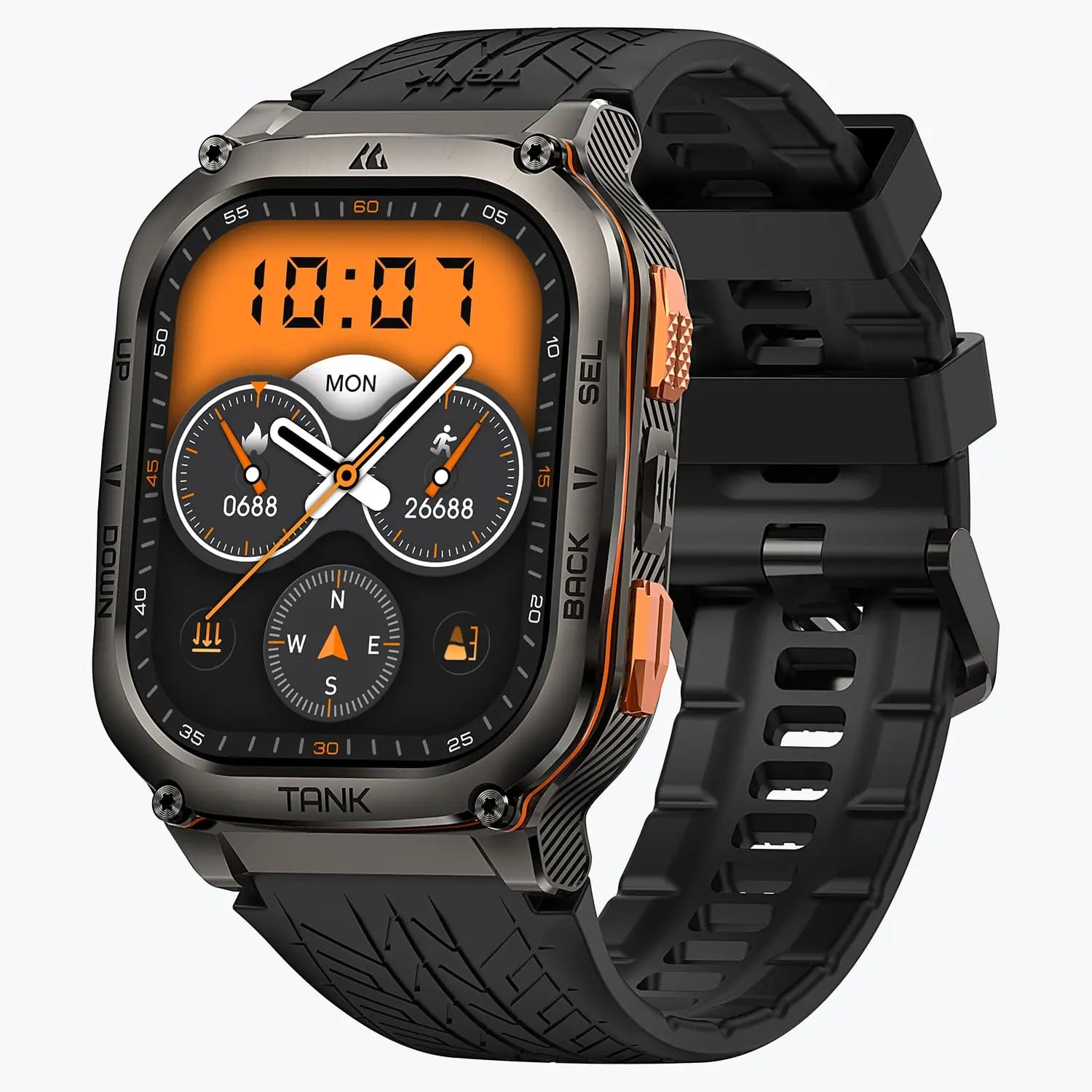


A rugged GPS smartwatch is most useful when you need route information during an outing. On a hike, it helps you choose the right path at an unmarked fork. On a trail run, an off-course alert can help you catch a missed turn before it adds much distance. On a multi-day trip, the question is whether you can keep tracking and navigating until your next charge. For familiar, well-marked routes where you mainly record distance and time, basic GPS tracking is usually enough.

Why Wear a Rugged GPS Smartwatch Outdoors?
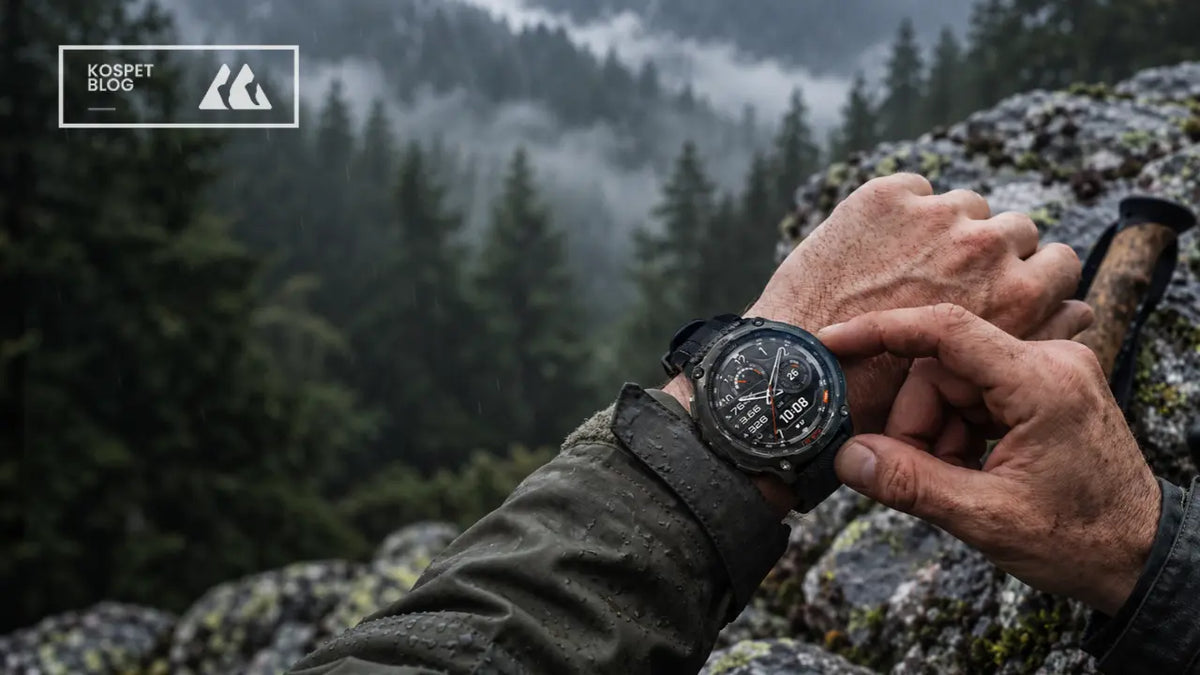
Wear a rugged GPS smartwatch when you need directions in conditions that are hard on your gear. A downpour can start miles before the next junction, and on a rocky scramble, your watch can brush against rock as you steady yourself.
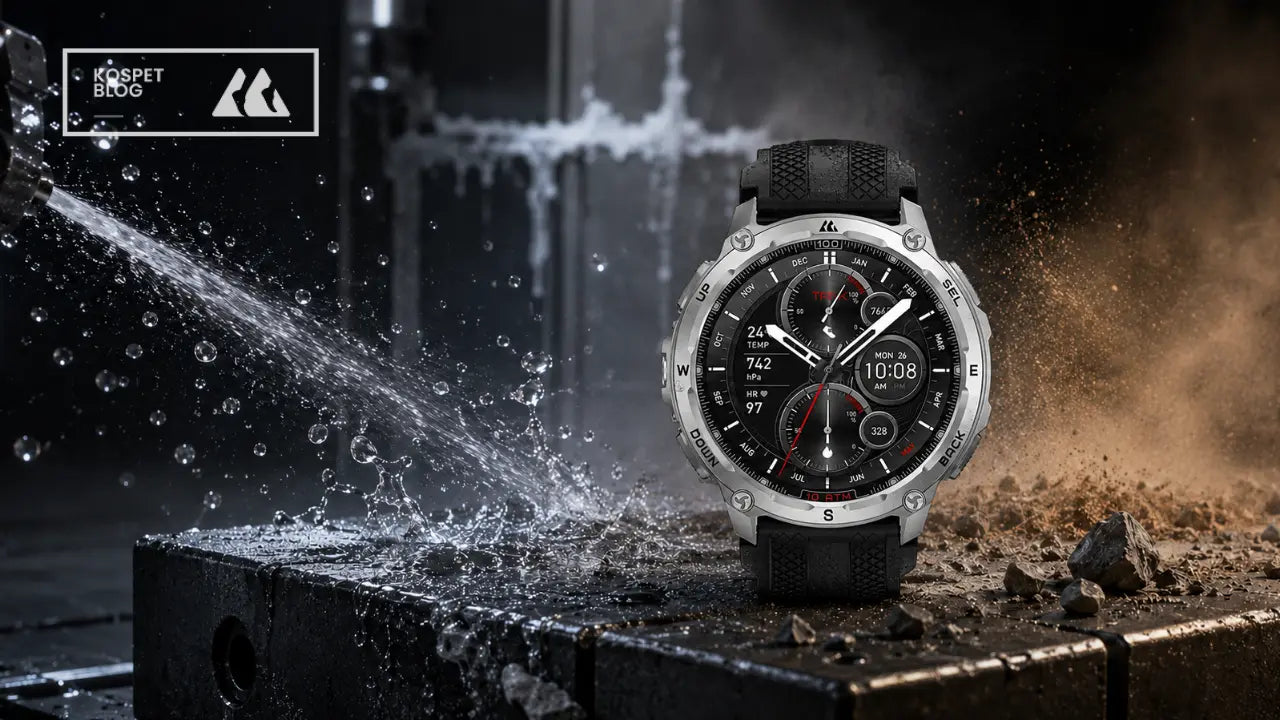
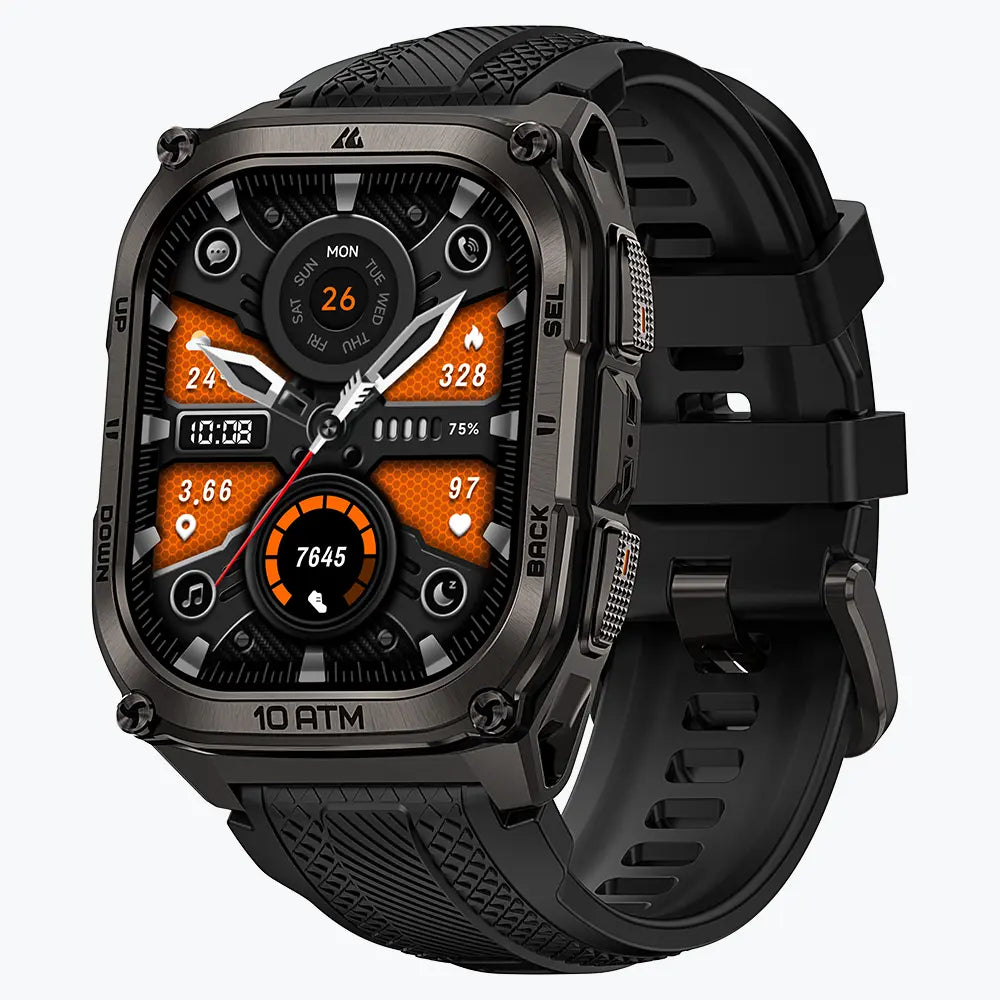
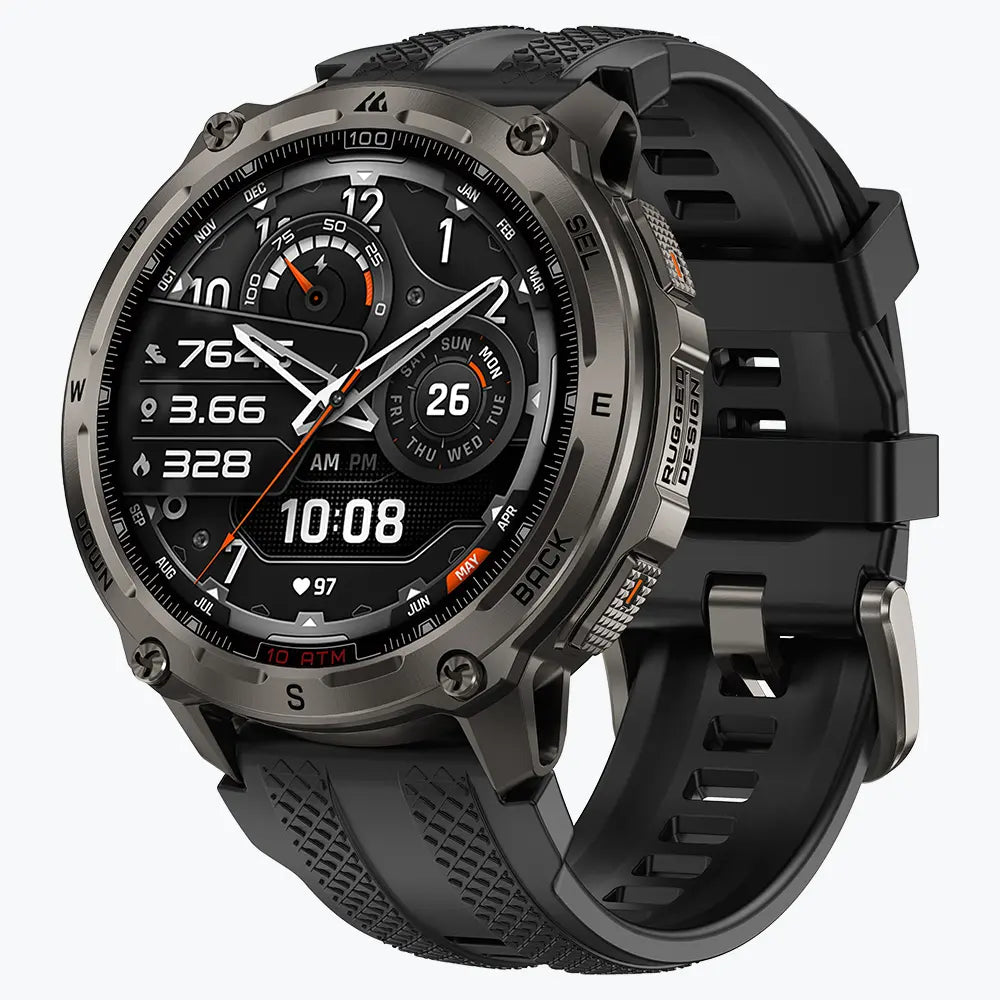
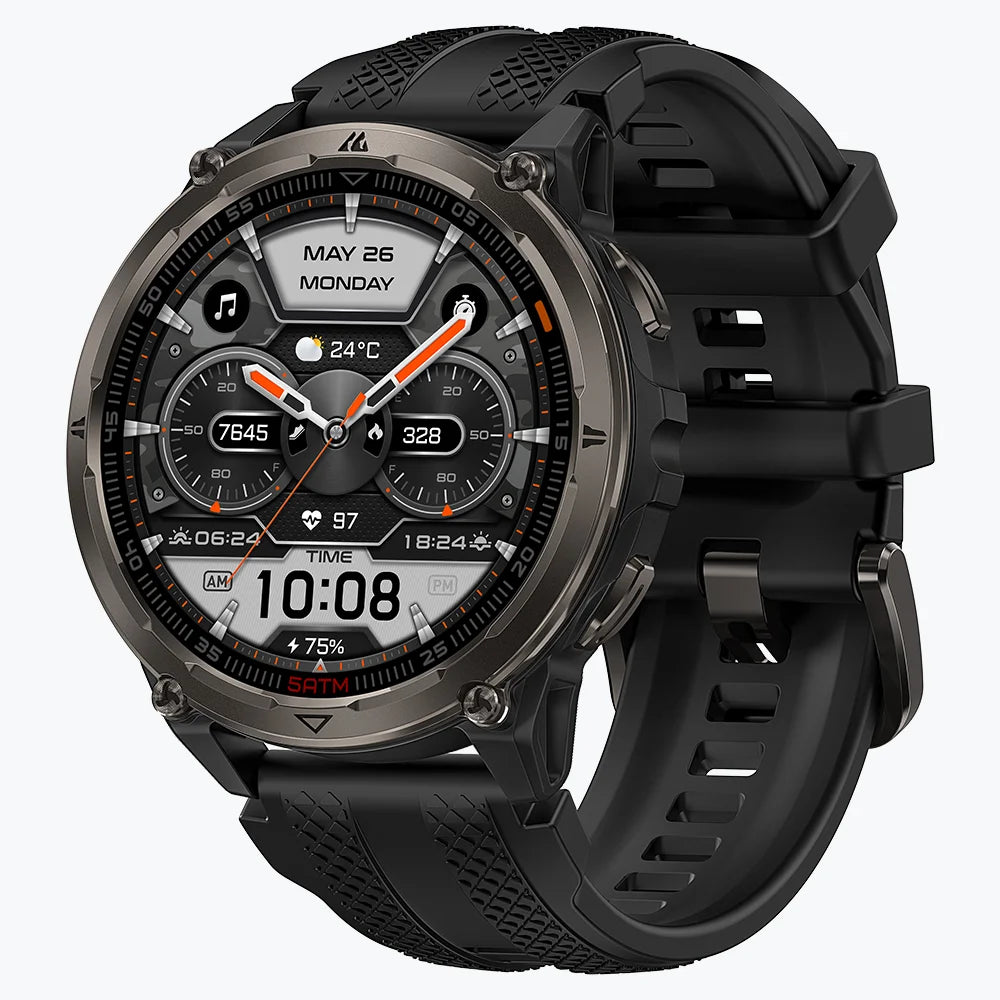
KOSPET rugged GPS smartwatches combine navigation with water and dust protection so you can keep checking your route when the trail gets wet or dusty. Stainless steel cases on select models also help resist the scratches and scuffs that come with scrambling over rock.
How a Rugged GPS Smartwatch Helps at Hiking Junctions
A saved route on your wrist is often enough to choose the right path at an unmarked fork. When the two paths head in clearly different directions, you can compare your position with the route line and see which way it turns without taking out your phone.
An offline map helps when the question is more complicated. At a fork with a side trail that rejoins the main path farther on, the saved route shows your planned turn, while the map shows how the surrounding trails connect. On the KOSPET TANK T4 SE, you can load a GPX or KML route and download the map for the area before you leave, so both are available at the junction.

KOSPET TANK T4 Special Edition Smartwatch
$209.99 USD
When two paths run close together, a small shift in your GPS position can make the watch display ambiguous, especially under heavy tree cover. Stop and compare the junction with trail signs or a more detailed map before choosing a path. On a remote hike, carry a paper map as a backup.
When GPS Route Alerts Help on Trail Runs
An off-course alert helps most when you're running an unfamiliar route and can't keep checking the map. On a downhill stretch, it's easy to follow the wider trail straight ahead while watching your footing and run past the narrow path your route takes.
A turn prompt tells you to look for a junction as you approach it. An off-course alert tells you you've already moved away from the route. The KOSPET offline navigation guide shows how the planned route and your recorded track appear in different colors on compatible watches. When you get an alert, pause and look for where the two lines began to separate. That gives you a better idea of which junction to check.
An alert can take longer to arrive when the two paths run side by side, because the watch needs enough separation to detect that you've gone off course. On a familiar loop where your main goal is to review pace and distance afterward, recording the run is usually all you need.
How Much GPS Battery Life Do You Need for a Multi-Day Trip?
Count the GPS hours between charges. Three days at six hours of tracking per day means 18 hours of GPS use. Leave extra battery for overnight standby, navigation checks, and any delays that keep you on the trail longer than planned.
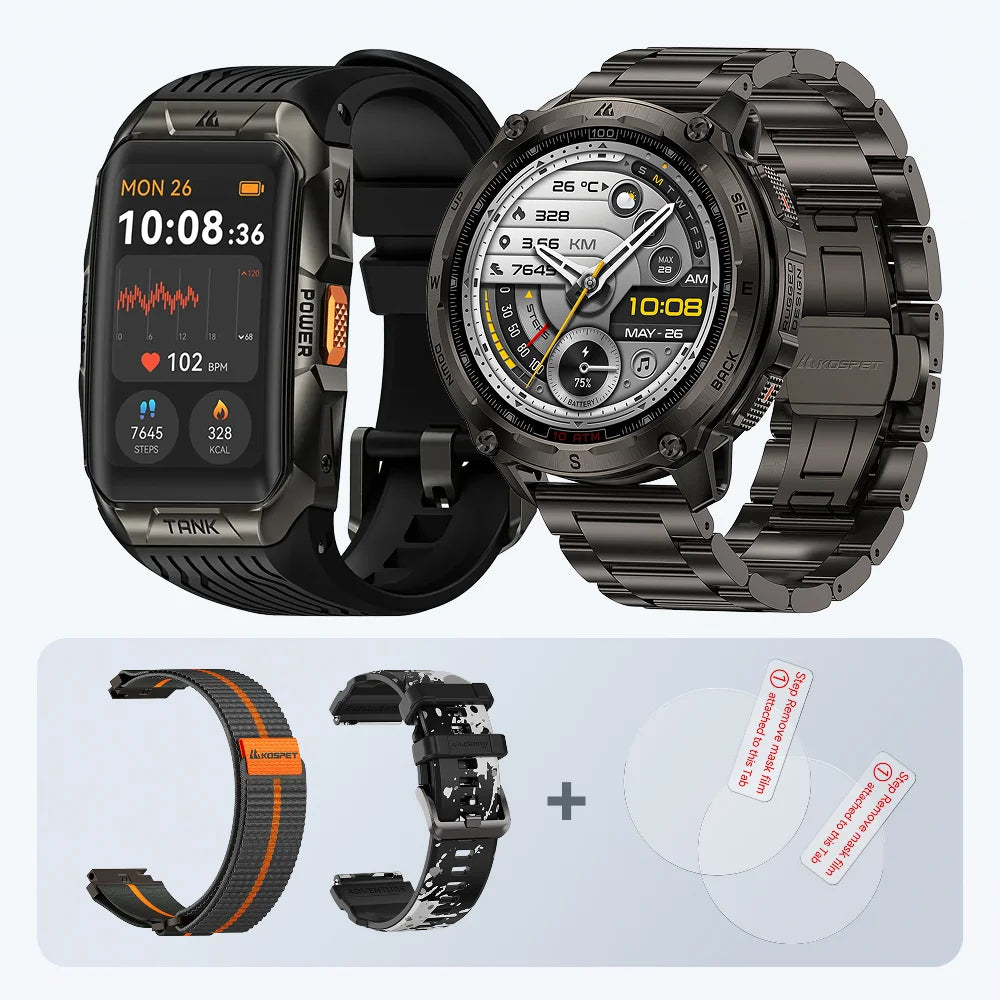
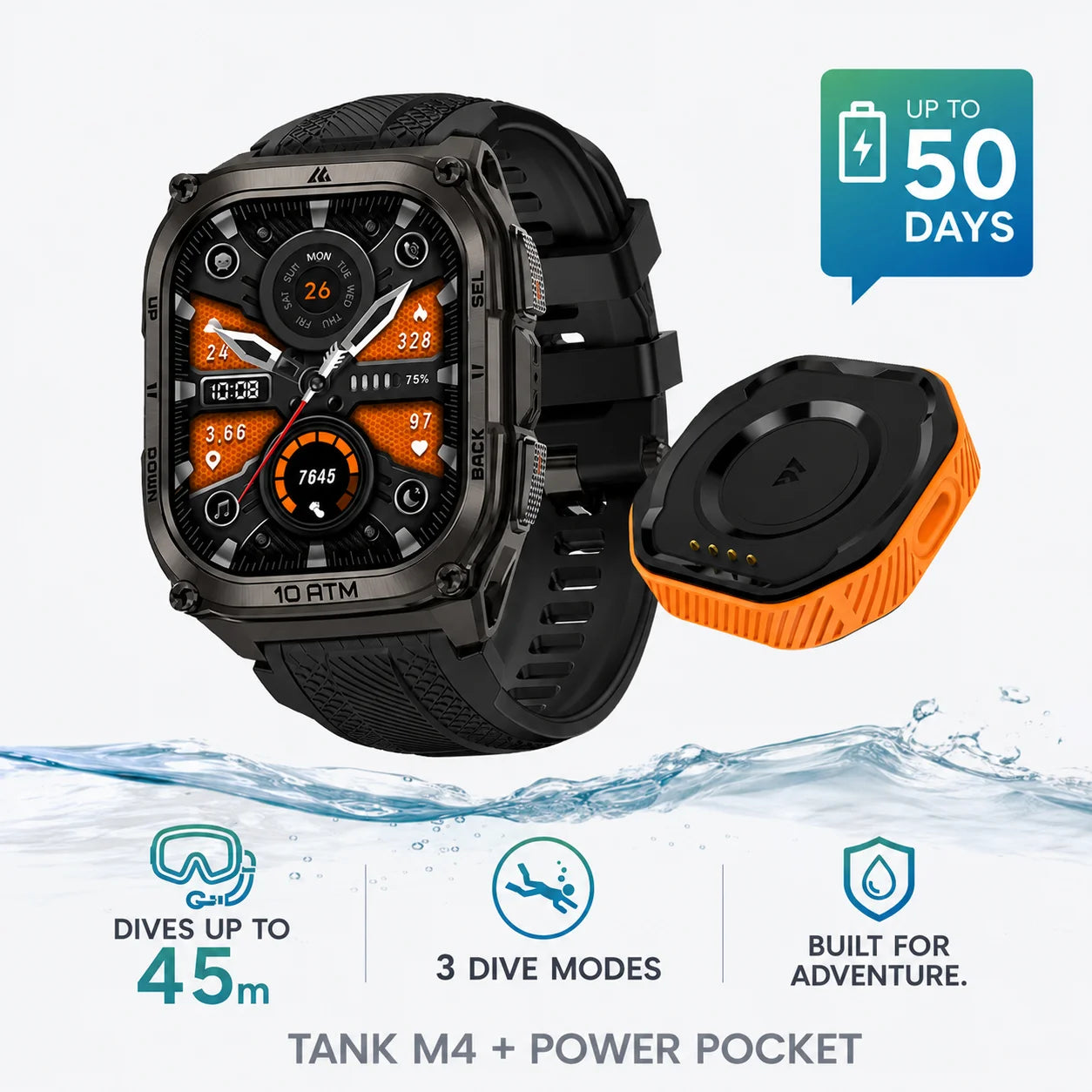
Use the runtime for the GPS mode you'll actually use. Navigation and frequent screen checks can increase battery drain, so a long local hike with your intended settings gives you a better estimate for the trip. When there's no outlet at camp, the optional magnetic Power Pocket for the KOSPET TANK M4 gives you a way to recharge between hiking days. The watch itself offers up to 22 hours of continuous GPS tracking.
When you can reliably recharge each evening, plan around your longest day. When you need to go several days between charges, leave more margin. Some extended battery modes record fewer GPS points, so check whether the resulting track still gives you the detail you need.
KOSPET TANK M4 Smartwatch
$194.98 USD
Which GPS Smartwatch Features Matter for Your Routes?
When comparing KOSPET rugged smartwatches, start with the problem you run into most often.
- A saved route line is usually enough when you're following a planned hike and only need to confirm which way it turns. Choose offline maps when you also need to see where nearby paths lead or whether a detour rejoins your route.
- For unfamiliar trail runs, look for an off-course alert you can feel or hear at your usual pace. It should get your attention while your eyes are on the trail.
- Three days at six hours of tracking per day means 18 hours of GPS use between charges, plus a buffer for overnight standby and delays. Check the runtime in the GPS mode you'll actually use. Plan a top-up if it leaves little room beyond those 18 hours.
- In rain or with gloves on, the test is simple. Can you open the route screen and pause tracking without relying on the touchscreen? Choose physical buttons that handle those specific tasks.
FAQs
Does a GPS smartwatch work without cell service?
Yes. A watch with built-in GPS gets its position from satellites without a cellular connection. A watch that uses connected GPS relies on a paired phone for positioning. To check your setup before leaving, disconnect your phone and start a GPS activity outdoors.
Can a GPS smartwatch guide me back without a saved route?
Yes, on models that can retrace the GPS track from your current activity. Start recording at the trailhead so the watch has a track to follow back. When you're ready to return, select the option that retraces your recorded path.
Is dual-band GPS worth it for wooded trails?
Dual-band GPS is worth trying on routes through dense forest or steep-sided valleys, where satellite reception can be difficult. On open trails where your tracks already look consistent, a mode that uses less power may serve you better. Compare recordings from the same route before making dual-band GPS your default.